No email required. Tick these boxes as you compare listings; this page does not save your selections.
Compare the complete PC, not just the case
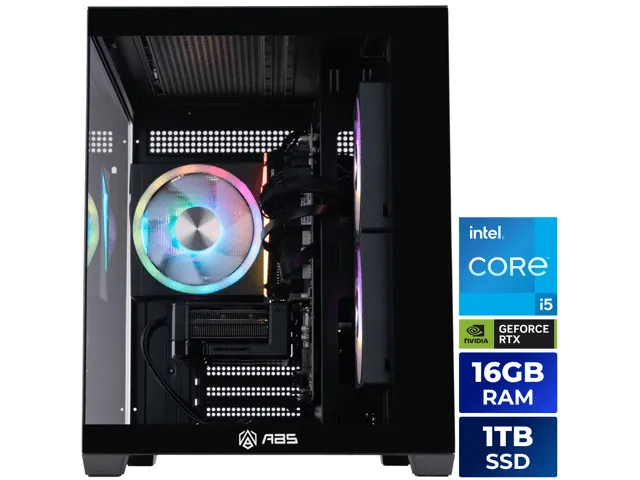
A prebuilt desktop example. The listing and invoice should identify the parts you are paying for. Image: ABS / Newegg.
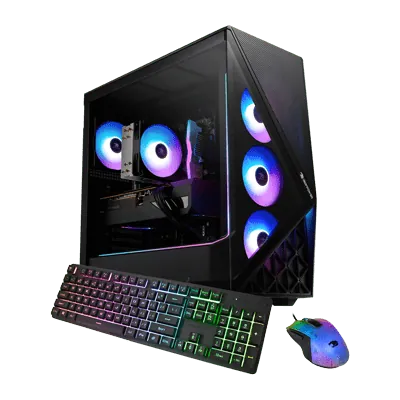
iBUYPOWER Slate product image. Included peripherals and configurations vary by listing. Image: iBUYPOWER / Walmart.
When the listing leaves a blank
Ask the seller before buying. An unnamed power supply or vague graphics description makes comparison harder. A low price does not resolve missing information. Keep the response with your order documents.
On arrival, compare the delivered specification with your invoice and try the games and accessories you actually use. Contact the seller promptly about damage, missing parts, or instability. Avoid disassembly or modifications until you understand the warranty and return conditions.