The best school laptop is the one that runs every class.
Start with compatibility, then buy enough memory and storage to last. These are research-based value picks—not hands-on scores—and every price can change.
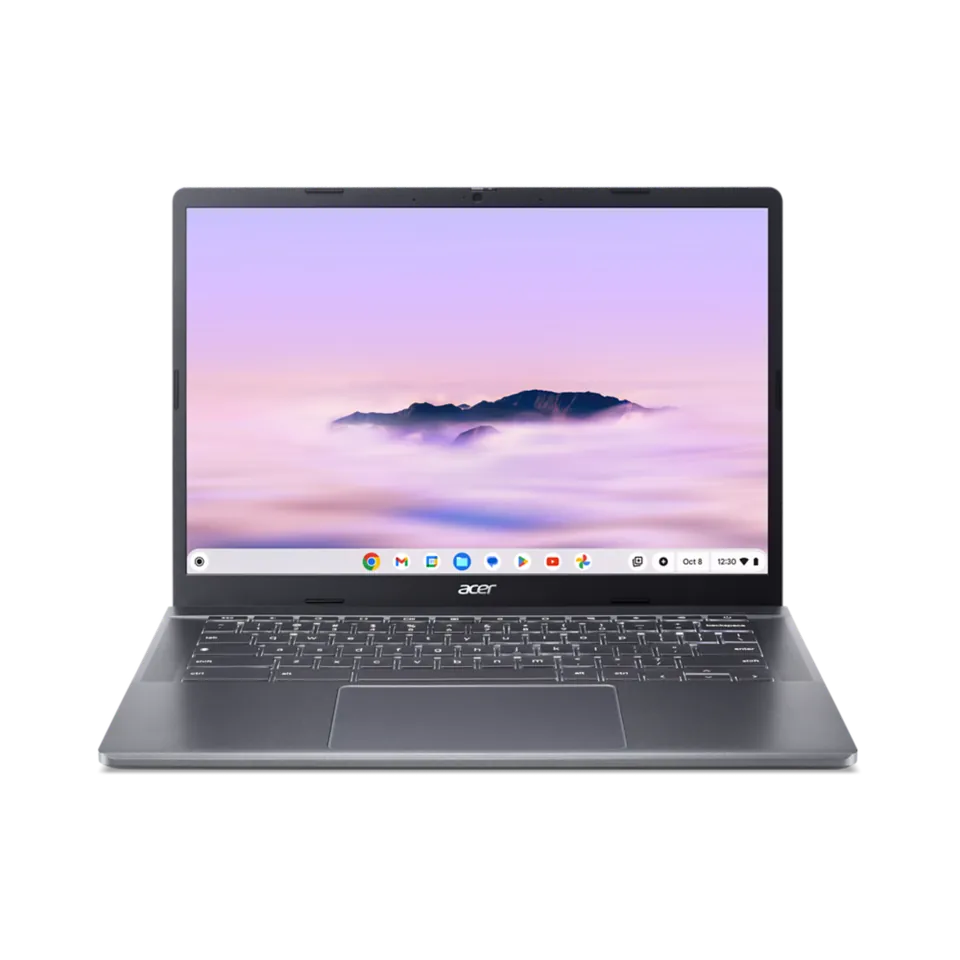
Why it is our value pickAt its official $399.99 listing price, this 8GB Chromebook Plus configuration is a strong fit for Google Classroom, research, and video calls. If it stays unavailable, the Chromebook Plus 515 is the next model to compare at Google's $429.99 MSRP.
Know the limitsDo not chase it above our $400 target, and ask whether the school issues a managed Chromebook first. ChromeOS is a poor fit if a class requires a full Windows or Mac application.
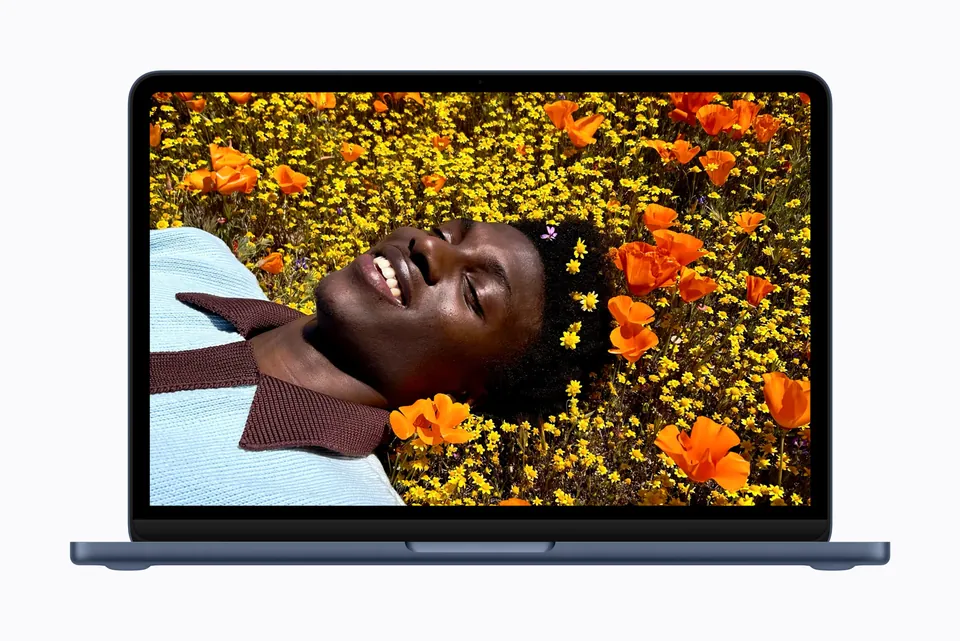
Why it is our value pickFor essays, presentations, research, streaming, and ordinary schoolwork, the Neo is an unusually affordable entry into macOS. It makes the most sense for a student who already knows every required app works on a Mac.
Know the limitsThe 8GB/256GB base configuration has limited headroom. Do not buy it for engineering, architecture, 3D work, serious video editing, or a class that requires Windows software.
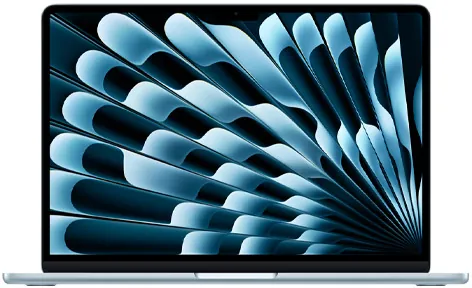
Why it is our value pickIt is light, quiet, fast enough for most majors, and a better four-year purchase than an 8GB/256GB laptop. The 13-inch model is the sweet spot for commuting and crowded lecture halls.
Know the limitsCompatibility beats brand preference. Engineering, architecture, game-development, and CUDA-heavy classes may require Windows or an NVIDIA GPU. Confirm the department software list before ordering.
An iPad is usually a companion—not the whole setup.
For notes, reading, markup, and drawing, start with the regular iPad at the current education price if storage and accessory support fit. Move to the 11-inch iPad Air with M4 only when Apple Pencil Pro, creative work, or heavier multitasking justifies the higher cost.
Best value tablet
Base iPad · Education store from $429
Best for notes and school apps when a laptop is already available.
Best creative tablet
11-inch iPad Air M4 · Education store from $699
Worth more for art, design, and demanding tablet workflows.
Keyboard, Pencil, case, and storage can make the tablet setup cost as much as a laptop. Price the full kit before deciding.
Best fit: MacBook Air M5 or a quality Windows ultrabook
Target: 16GB RAM · 512GB SSD
Office apps, browser research, presentations, statistics, and video calls do not need a gaming GPU. Favor battery life, keyboard comfort, weight, and a reliable webcam.
Avoid the mistake: Do not pay extra for a discrete GPU unless a specific course requires it.
Nursing, pre-med & health sciences
Best fit: MacBook Air M5 or compatible Windows laptop
Target: 16GB RAM · 512GB SSD · strong battery
Portability and battery matter during long days. A tablet is excellent for anatomy notes, but a laptop is safer for testing browsers, documents, and school-specific clinical software.
Avoid the mistake: Do not use an iPad as your only computer until the program confirms every exam and clinical app supports it.
Computer science, IT & data science
Best fit: MacBook Air M5 for general coding; Windows when the program specifies it
Target: 16GB minimum · 32GB for VMs or local AI · 512GB–1TB SSD
Most coding courses work well on macOS, but virtual machines, cybersecurity labs, .NET tooling, and CUDA workloads can change the answer. The syllabus matters more than the logo.
Avoid the mistake: Avoid 8GB systems for VM-heavy programs and avoid assuming an ARM laptop runs every x86 tool without friction.
Engineering
Best fit: Windows x86 laptop with department-approved hardware
Target: 32GB RAM · 1TB SSD · discrete GPU when CAD or simulation requires it
MATLAB can run broadly, but CAD, simulation, lab hardware, and licensed engineering packages can have stricter operating-system and graphics requirements.
Avoid the mistake: Do not buy a Chromebook or Mac before checking the exact software list. Remote lab access is useful, but it should not be your unverified backup plan.
Architecture, 3D, game development & animation
Best fit: Windows performance laptop with an NVIDIA GPU
Rendering, large models, real-time engines, and GPU acceleration need sustained cooling and graphics power. This is where a heavier gaming or creator laptop can be the better school tool.
Avoid the mistake: Avoid thin laptops chosen only for looks, and confirm the GPU memory required by upper-level courses.
Graphic design, photography & film
Best fit: MacBook Air M5 for lighter work; MacBook Pro or Windows creator laptop for heavy projects
Target: 16GB minimum · 24–32GB preferred · 1TB for video
Display quality and storage matter as much as the processor. An iPad Air is a strong drawing and markup companion, but desktop creative apps still make a laptop the safer primary device.
Avoid the mistake: Do not budget for the computer alone—include calibrated storage, backup space, and any required software subscriptions.
Music production & audio
Best fit: MacBook Air M5 for moderate projects; Pro-class laptop for large sessions
Target: 16GB minimum · 512GB SSD plus external storage
Quiet operation is valuable when recording. Before choosing a platform, verify the audio interface, plug-ins, school DAW, and any older drivers the program expects.
Avoid the mistake: Do not assume every plug-in or interface supports a new processor architecture on day one.
Five checks before checkout
A student discount does not automatically make a device a good value.
1Ask the school whether it supplies a device or requires a specific operating system.
2Check every required app, testing browser, lab tool, and printer—not just Microsoft Office.
3Price the complete setup: keyboard, stylus, case, adapters, warranty, and cloud storage.
4Prefer 16GB RAM and 512GB storage for a laptop expected to last through college.
5Buy from a seller with a clear return window and test school accounts immediately.
Product images are manufacturer stock images, not photographs of our test units. Prices and education eligibility can change. Product links are direct and non-affiliate.