

Buying checklist 1
Middle school: follow the school first
Ask whether the school supplies a device and manages accounts or testing software. A second device may duplicate what is already provided. For browser-based assignments, prioritize a comfortable keyboard, a protective case, repair options and enough battery for the school day.
A tablet is useful for reading, drawing and handwritten practice, but typing long assignments on a screen gets frustrating. Price the keyboard and case before comparing it with a laptop. Avoid buying a premium tablet solely to open classroom websites.
Buying checklist 2
High school: essays and exams change the answer
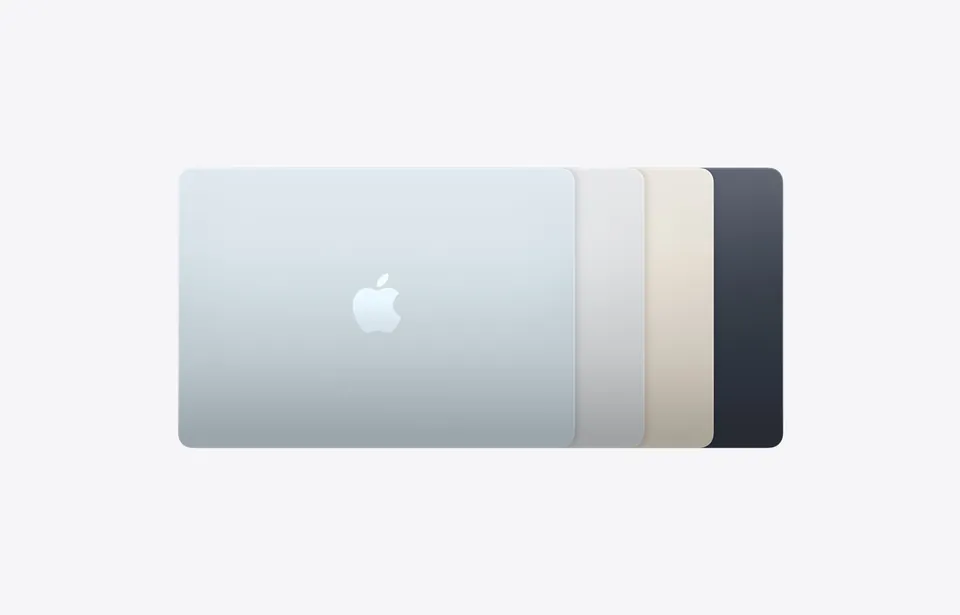
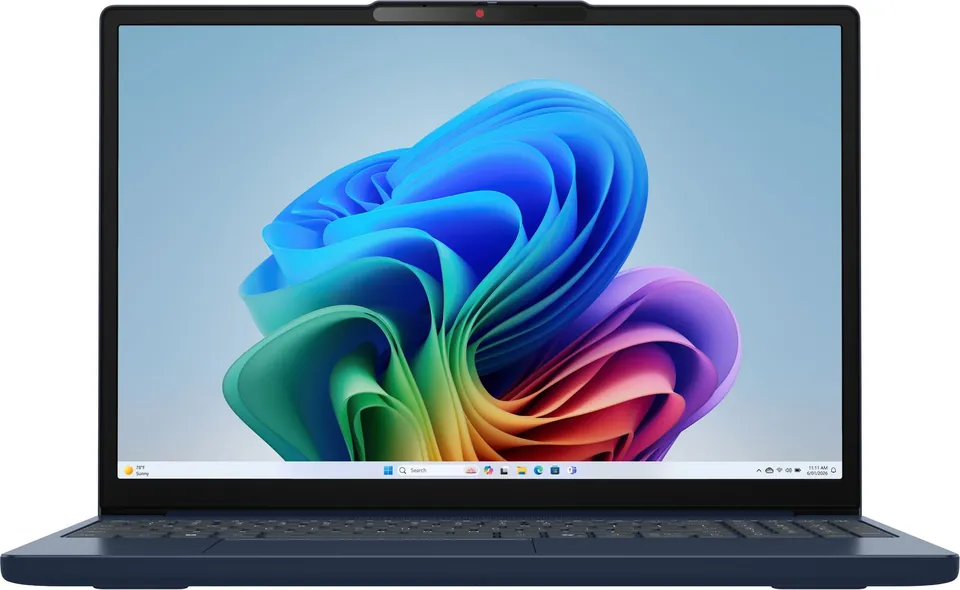
A laptop is our safer starting point for mixed coursework because a built-in keyboard and desktop browser suit essays, spreadsheets and research. That does not mean every student needs an expensive machine. Check the actual school requirements before picking Windows, macOS or ChromeOS.
An iPad can complement a laptop for diagrams and annotated PDFs. Apple’s iPad A16 supports Apple Pencil USB-C and the first-generation Pencil, with an adapter required for pairing and charging the latter. Pencil compatibility varies by model, so do not assume an older stylus will work with a new tablet.
Buying checklist 3
College: your major is the deciding factor
For engineering, architecture and some business programs, get the department’s exact software list and supported operating systems. A tablet cannot be assumed to replace desktop CAD, specialist analysis tools or exam software. For programming, check whether local development tools are required or whether the course explicitly supports a remote environment.
For humanities and many social-science courses, a comfortable keyboard and reliable document workflow matter more than peak processor speed. For art and design, pen support can justify a tablet, but verify required creative apps, storage and export formats. Nursing and science students may value handwritten diagrams while still needing a laptop for assessments.
Buying checklist 4
Build the complete shopping basket
Compare device + keyboard + stylus + case + required software + warranty or repair coverage. An attractive tablet price can become a much larger purchase once all of those are included. Choose storage around downloaded course materials and projects rather than a vague promise of future-proofing.
Before the return window closes, submit a sample assignment, open the learning portal, join a video call and test any permitted exam-preparation software. If you already have a capable laptop, try a paper notebook or an inexpensive stylus setup before buying a second premium device.
Sources and related guides
Checked October 9, 2026. Research-based editorial guidance, not a hands-on review or exhaustive market ranking. Prices and availability can change. Price targets are our judgment, not live offers. These links are non-affiliate.