
Everyday laptop buying guide
OLED vs IPS laptops: when is the screen upgrade worth it?
Choose between OLED and IPS laptop screens by your workload, refresh rate, battery needs and maintenance tolerance, not the display badge alone.
01
Mostly documents and dashboards
Start with a good IPS panel and check text, reflections and the complete configuration.
02
Films and atmospheric games
Consider OLED contrast after covering performance, memory and storage needs.
03
Fast multiplayer games
Match refresh rate and resolution to the GPU. OLED alone is not a performance guarantee.
What OLED actually changes
An OLED screen produces light at each pixel. An IPS screen is a type of LCD and uses a backlight. OLED’s individual light control helps it show deep blacks beside bright parts of an image, giving dark films and games a particularly strong reason to consider it.
That does not mean every OLED laptop delivers the same HDR experience. Check the exact display’s certification and specifications rather than treating “HDR” as a quality score. VESA distinguishes accepting an HDR signal from meeting a certified performance tier. HDR also does not require a 4K screen.
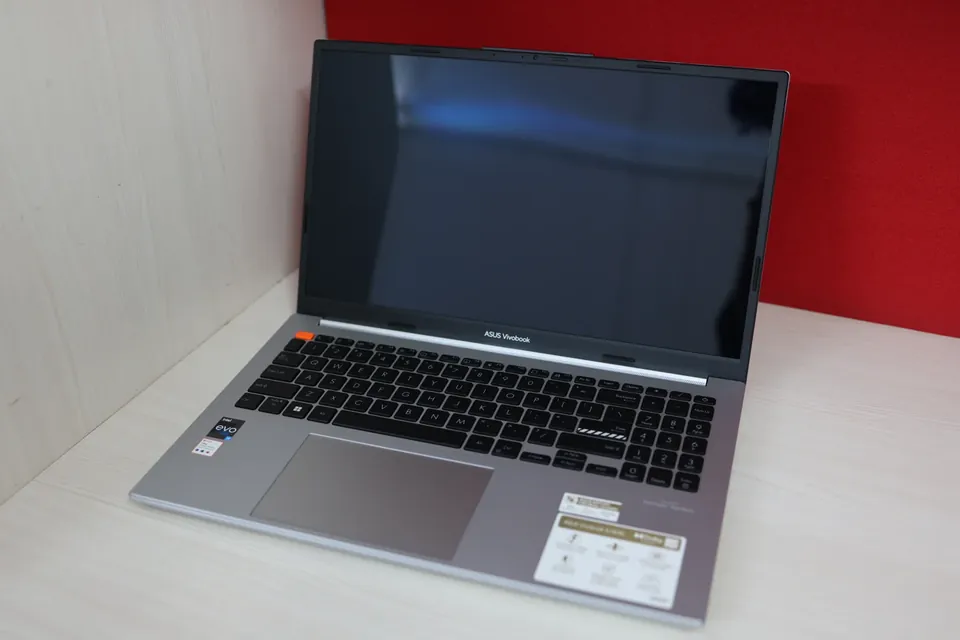
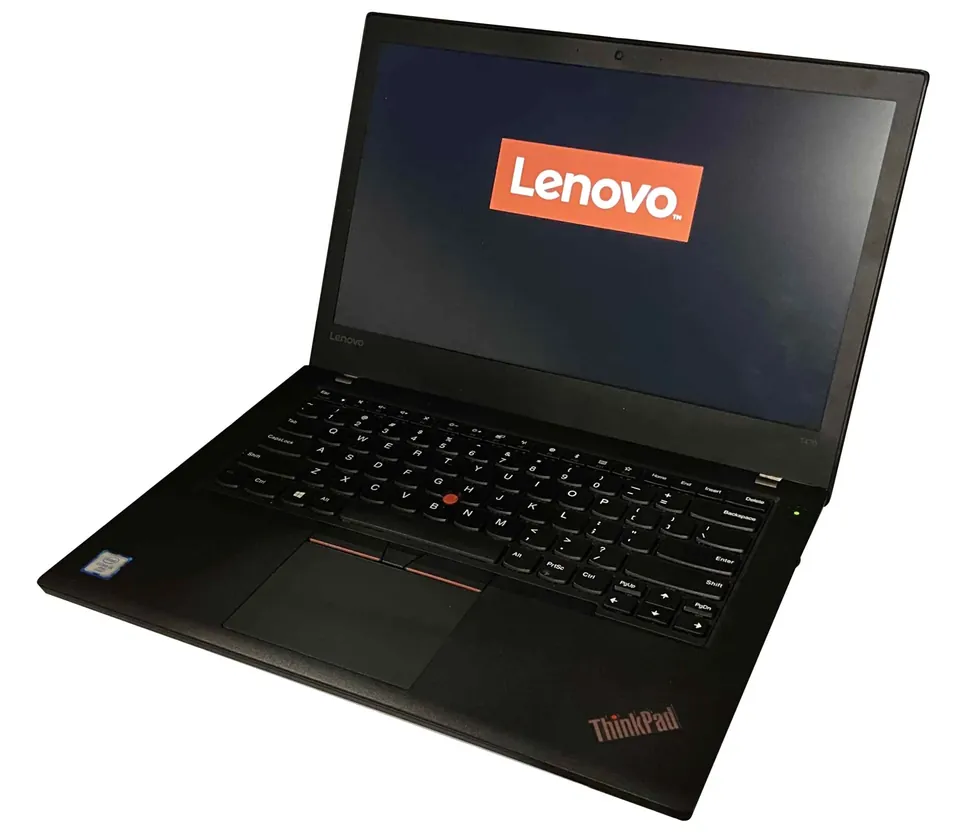
Our buying judgment: pay for that contrast if you will regularly enjoy it, not because the specification sounds more premium. This is a researched guide, not a hands-on comparison. We have not measured the pictured laptops’ displays, battery life or long-term wear.
Sources: VESA: HDR and display-technology FAQ
For work, examine the screen you will actually use
Before buying, open the kinds of pages and documents you spend time reading. Check text at your normal scaling setting, reflections near a window and comfort at ordinary brightness. A dramatic demo video tells you little about eight hours of your own work.
Do not assume every OLED is glossy or every IPS is comfortably readable outdoors. Verify the exact panel’s finish and brightness specification. If a seller lists several display options under one laptop name, match the specification to the configuration in your cart.
For prolonged work with largely unchanged toolbars or dashboards, our preference leans toward IPS when the competing laptops are otherwise suitable. That is a workload recommendation, not a claim that OLED cannot handle office applications.
For gaming, separate response time from refresh rate
OLED’s fast pixel transitions are a genuine advantage. Samsung Display explains that OLED does not need the physical liquid-crystal movement used by LCDs. But pixel response time is not the number of new frames a screen can display each second.
A 60Hz OLED is not automatically the better competitive-gaming choice over a good high-refresh IPS screen. Compare refresh rate alongside the laptop’s likely frame rates in your games. Intel’s gaming-laptop guide also emphasizes matching the GPU to the display’s resolution and refresh rate.
For fast multiplayer games, prioritize that match. For atmospheric single-player games, you may place greater value on OLED contrast. Buying extra resolution that forces unwanted performance compromises is not a free upgrade.
Sources: Samsung Display: OLED response time · Intel: choosing a gaming laptop
Battery life: compare complete laptops, not panel labels
Do not turn “OLED versus IPS” into a universal battery-life ranking. Look for battery results for the exact laptop and display option, with the workload and settings explained. A result from a different screen configuration should not be treated as interchangeable.
Check whether a test used HDR, its brightness setting and whether it resembled your work. Microsoft notes that playing HDR content on battery can reduce runtime, and that manufacturers may disable HDR when unplugged.
If you spend long days away from an outlet, make comparable battery evidence a purchase requirement. Do not exchange that evidence for a promise based only on the screen technology.
Sources: Microsoft: HDR settings in Windows
OLED care is part of the decision
Burn-in concerns should inform the purchase without becoming a prediction that every OLED laptop will fail. ASUS’s support guidance identifies prolonged static, high-contrast imagery at high brightness as a risk situation and recommends shorter display sleep times and supported protection features.
For an OLED laptop, read its own maintenance instructions. ASUS recommends measures including OLED Care on supported models, appropriate brightness, dark themes and hiding the taskbar. Other manufacturers may implement different tools.
Check the written warranty for the exact product and region before assuming screen wear is covered. Protection features are useful; they are not a substitute for understanding coverage.
Sources: ASUS: OLED burn-in guidance · ASUS: OLED maintenance guidance
Our value checklist
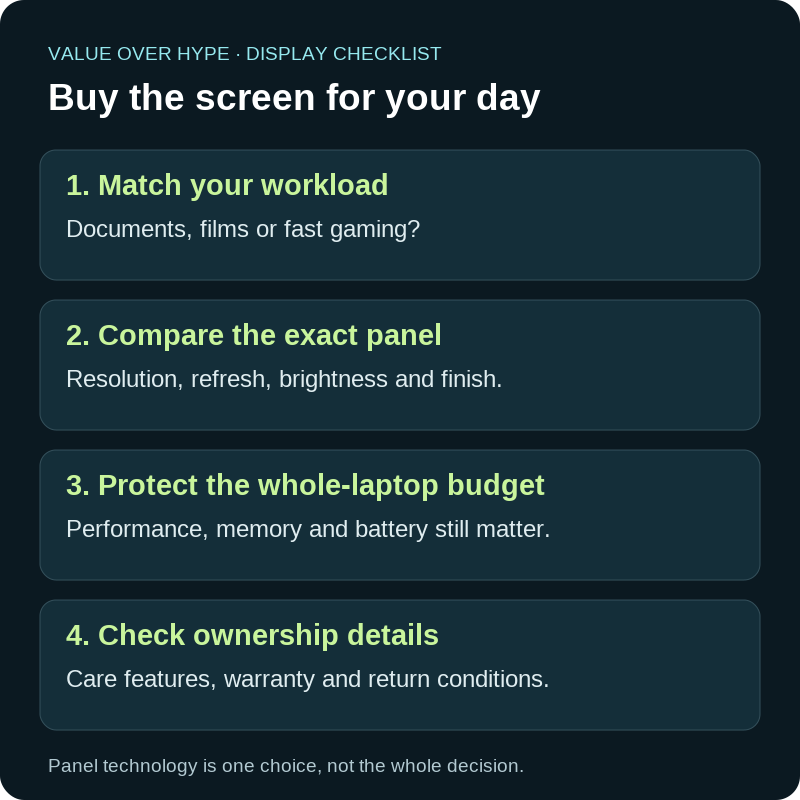
Before paying for either screen, confirm these details. Choose IPS when the complete laptop offers the better fit for your work and budget. Choose OLED when its contrast is something you will use often and the purchase does not compromise more important requirements.
- Exact configuration: panel type, resolution, refresh rate, finish and brightness.
- Your workload: mostly static work, fast gaming, films or a genuine mix.
- The rest of the laptop: enough performance, memory and storage for your applications.
- Battery evidence: the same display option and clearly stated test settings.
- Ownership details: screen-care features, warranty wording and return conditions.
Common buying questions
Is OLED always better than IPS?
No. OLED contrast can be valuable, but resolution, refresh rate, finish, battery evidence and the rest of the laptop still determine whether it fits your needs.
Is IPS always better for battery life?
Do not assume that from the label. Compare evidence for the exact complete laptops and display options using comparable workloads and settings.
Should I avoid OLED for office work?
Not automatically. Consider your hours of static content, screen-care requirements and written warranty. Our value-first starting point for prolonged document work is a good IPS configuration, not a blanket ban on OLED.
Sources & how we reached our advice
Checked November 14, 2026. We used the primary documentation below for compatibility and specifications. Buying thresholds and decisions are our editorial judgment. This guide does not claim hands-on benchmarks, an exhaustive product ranking, or a test score.
- VESA: HDR and display-technology FAQ
- Samsung Display: OLED response time
- Intel: choosing a gaming laptop
- Microsoft: HDR settings in Windows
- ASUS: OLED burn-in guidance
- ASUS: OLED maintenance guidance
No affiliate links. Editorial standards · Send a correction