
School & college
16GB vs. 32GB RAM for college: buy for your major, not the sticker
A practical memory guide for essays, coding, engineering, and creative work. Learn when 16GB is a sensible starting point and when paying for more has a purpose.
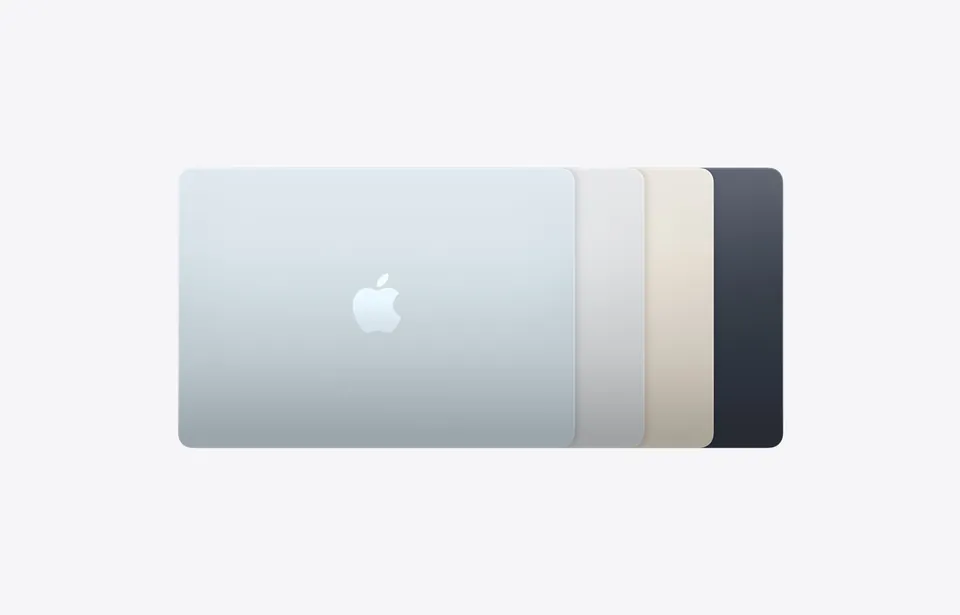
16GB: start here
A sensible comparison point for a new general-coursework laptop.
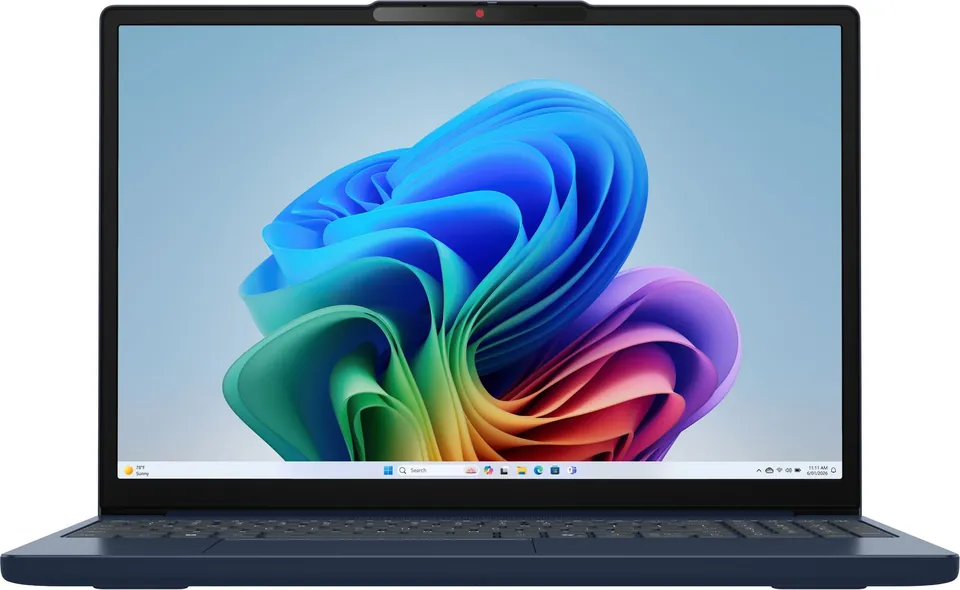
24GB: compare the price
Some models offer a middle configuration; judge the complete machine.
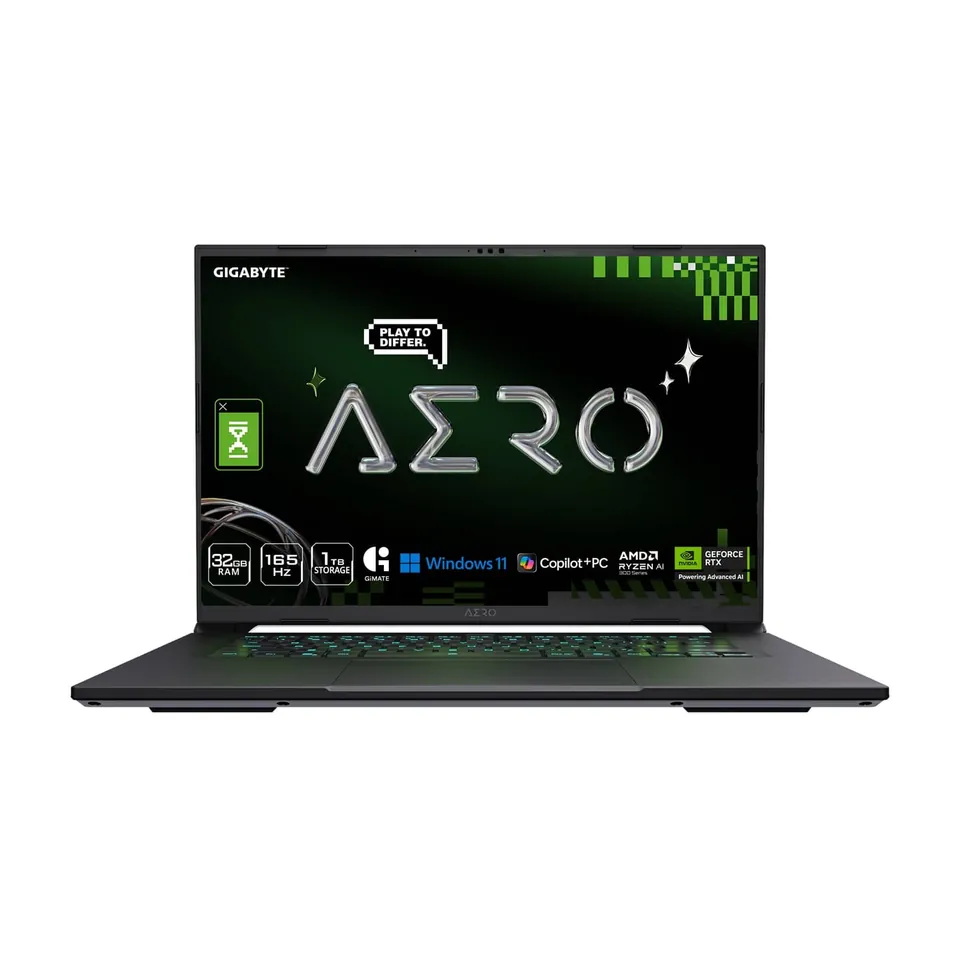
32GB: give it a job
Worth budgeting for when regular demanding local projects need the headroom.
Illustration: Value Over Hype. Buying guidance, not a benchmark. Department requirements and actual workloads take priority.
01
Essays, research, video calls
Start the comparison at 16GB, with a good keyboard, battery, and display.
02
Several heavy apps or local VMs
Budget for 32GB if these are regular requirements, then check the rest of the specification.
03
Your current laptop runs well
Keep it. A shopping recommendation is not a reason to replace a working computer.
Start with the software list, then choose the memory
Ask the department for the names and versions of required applications, supported operating systems, and exam software. ‘Engineering’ can mean very different workloads across programs. A cloud lab may reduce local hardware demands, but only count on one if the course confirms that it covers your assignments.
Our 16GB starting point is editorial buying guidance, not a benchmark result or a universal minimum. We would rather see a student buy a compatible, comfortable laptop than overspend on memory while overlooking required Windows-only software, a poor keyboard, or repair support.
When 16GB is the sensible place to start
For essays, research, presentations, everyday spreadsheets, and video calls, begin by comparing 16GB configurations. Leave room in the budget for the parts of the experience you use constantly: display quality, weight, battery, and a reliable way to back up assignments.
That does not mean an existing 8GB laptop has to go. Open your usual school workload and judge it. If it responds well, supports your required apps, and lasts long enough, the best-value upgrade may be no upgrade. Slow internet and a worn battery are separate problems that extra memory will not solve.
When 32GB has a job to do
More memory becomes easier to justify when your routine includes several demanding applications, large datasets, local virtual machines, or substantial creative projects. For a computer-science student, one introductory editor is a different workload from multiple virtual machines and containers. For design, the size and complexity of the files matter.
Adobe’s current Premiere requirements recommend 16GB for HD media and 32GB or more for 4K and above on Windows; its Apple-silicon recommendation is listed separately. That is a useful application-specific example, not evidence that every student or every Mac requires 32GB.
Do not spend the entire budget on RAM and assume the rest follows. CPU, GPU, storage speed and capacity, thermals, and software compatibility can all affect your work. For specialist courses, take the department’s recommendation to the actual configuration page before checkout.
Sources: Adobe Premiere: current recommended memory by platform
Use the work you do as evidence
On a Mac, Apple recommends the Memory pane in Activity Monitor to examine memory pressure. A high used-memory number alone is not the same as a problem: macOS deliberately uses available memory. Look at pressure while you run your normal workload, especially when the computer feels slow.
Watch for repeated stalls while switching between your required apps, then try the same task with unnecessary apps closed. Record what changes. This is a buying clue, not a controlled test: a slow drive, background process, or thermal limit can also cause delays.
If you cannot test the new computer beforehand, choose a retailer with a workable return policy and immediately try a representative assignment. Do not spend the return window testing only a blank document.
Sources: Apple: understand memory usage in Activity Monitor · Apple: check whether a Mac needs more RAM
RAM is not SSD storage—and the middle option may matter
RAM supports active work; SSD storage holds your apps and files. A 1TB storage upgrade is not a substitute for more memory. Conversely, 32GB of RAM does not give you room for a semester of large video files. Compare both against the projects you need to keep locally.
The choice is not always just 16GB or 32GB. Apple lists 16GB, 24GB, and 32GB configurations for MacBook Air with M5. Compare the total configuration price rather than choosing the largest number automatically. Check upgradeability for the exact laptop before assuming you can add memory later.
Our rule is to pay for a workload you can name. If the only explanation is ‘future-proofing,’ compare that extra cost with a longer warranty, a backup drive, or money kept for a later replacement. None is automatically best; the right choice follows your course and budget.
Common buying questions
Is 16GB enough for a college laptop?
It is our starting recommendation for general coursework. Check your department’s applications and your own multitasking; specialist workloads can justify more.
Does a computer-science student need 32GB?
Not automatically. Local virtual machines, containers, and large projects can make extra memory useful. Introductory coding and a department-provided remote environment may be less demanding.
Can I add laptop RAM later?
It depends on the exact model. Check its service documentation before buying; do not assume memory is replaceable because another laptop in the same brand allows it.
Sources & how we reached our advice
Checked October 9, 2026. We used the primary documentation below for compatibility and specifications. Buying thresholds and decisions are our editorial judgment. This guide does not claim hands-on benchmarks, an exhaustive product ranking, or a test score.
- Adobe Premiere: current recommended memory by platform
- Apple: understand memory usage in Activity Monitor
- Apple: check whether a Mac needs more RAM
- Apple MacBook Air: current memory configurations
No affiliate links. Editorial standards · Send a correction