
Google Home / News & analysis
Google Home September update: the everyday fixes worth checking
Hearing commands, finding your phone, and playing camera clips: the September update targets everyday friction.
By Value Over HypeReporting & editorial analysis
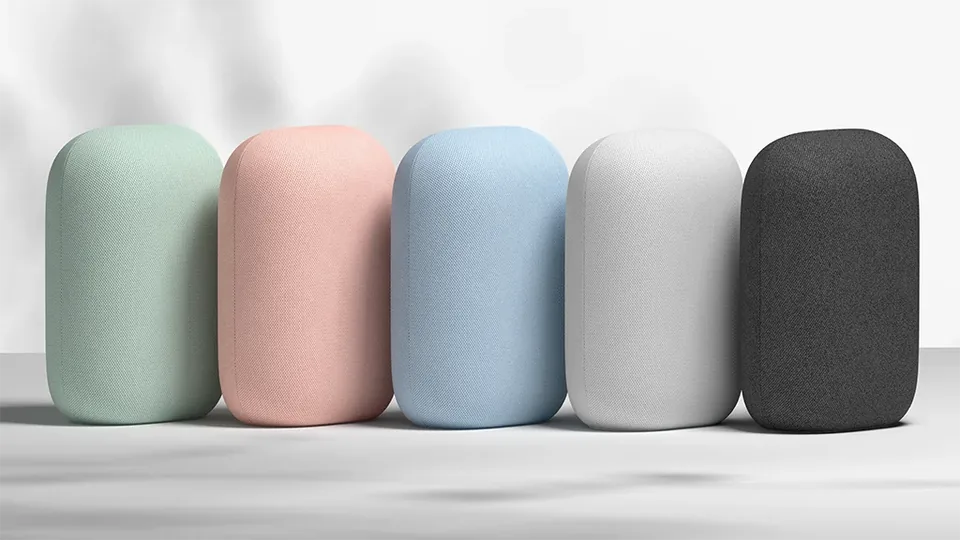
The changes worth paying attention to
Google’s September 30 changelog lists Gemini for Home Early Access improvements for hearing commands amid background conversation, finding a phone, and responding to common home, media, and timer requests. It also lists work on multilingual use and custom routines.
The Home app changes include clearer camera status, doorbell-chime previews, and fixes for recorded-video playback. A brightness command of zero is treated as an off command. Google says updates roll out gradually; the newest app version does not mean every account has every feature.
Source: Google Home & Nest release notes: September 30, 2026
Reliability is a feature
Our view is that a smart speaker earns its place by doing a small number of things consistently. A basic light command that works the first time can be more useful than a long list of conversational tricks.
That is why this update is worth checking even if you are not interested in another AI pitch. It targets chores people already do. However, release notes describe the company’s work; they are not independent proof that a particular room, accent, or device will behave better. We have not measured these changes ourselves.
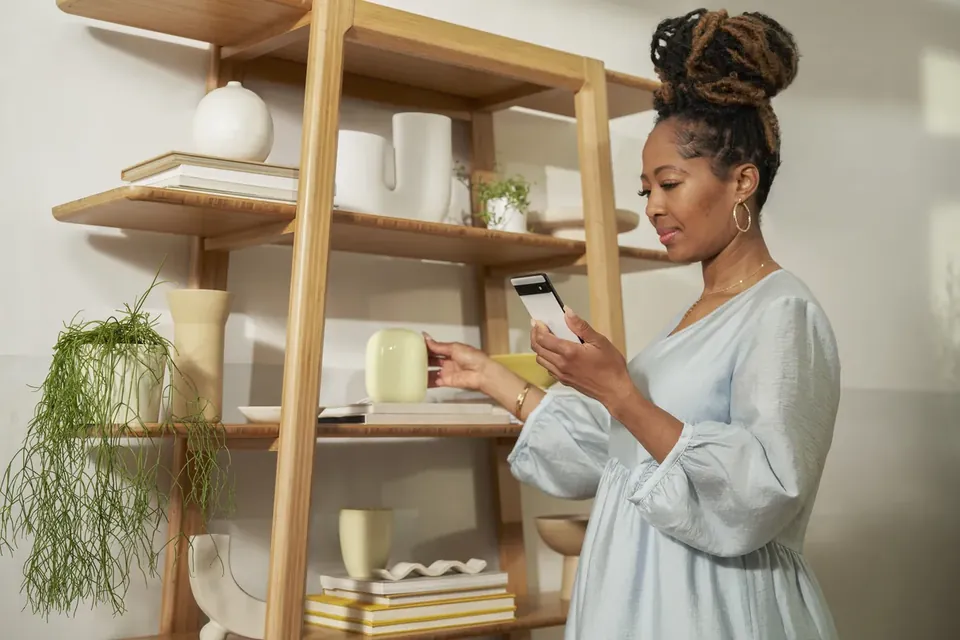
A five-minute check at home
After checking for app updates, repeat three requests you use regularly in your normal environment. Try a light, a timer, and a routine. Note which speaker responded, whether you had to repeat yourself, and whether the intended device changed state.
For cameras, open a recent recording and move through the timeline. For a doorbell, check whether the sound preview is available before changing its theme. Avoid resetting a working household just because a feature has not appeared yet.
If something still fails, record the exact wording and device involved. That gives you a more useful troubleshooting starting point than repeatedly changing unrelated settings.
Our take: update first, replace second
We would not buy new hardware solely for this changelog. Start with the equipment you own, and judge the results against the tasks that matter in your home. An upgrade makes more sense when you can identify a limitation that software or a better placement cannot fix.
Sources & reporting notes
Sources checked October 9, 2026. Company claims are attributed; our buying advice is editorial judgment. This article does not present hands-on testing or award a review score.