
Gaming storage
Can you play PC games from an external SSD? Check before buying
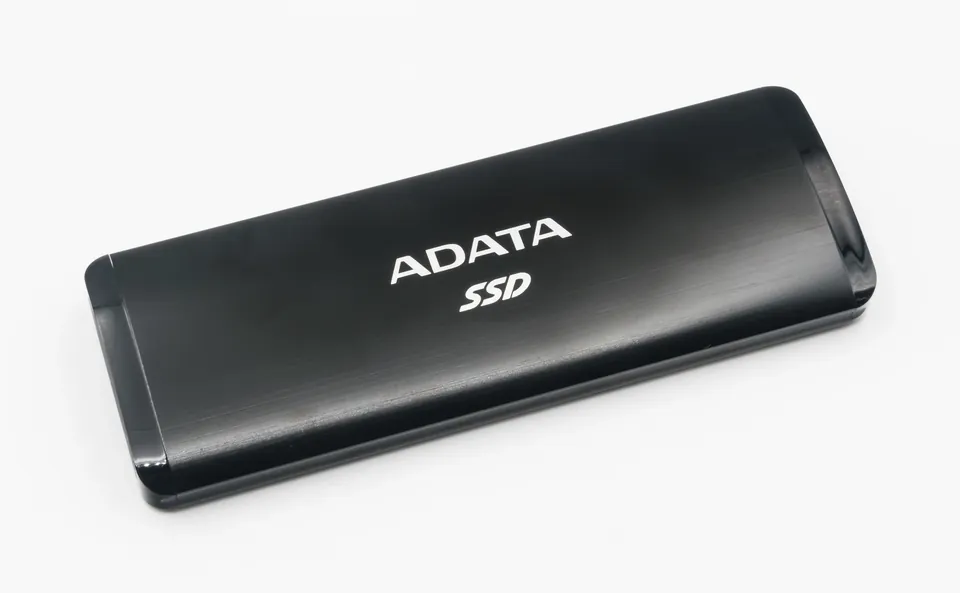
An external SSD can add game-library space without opening your PC, but check the launcher, game requirements, USB connection and save files first.
01
You need space without opening the laptop
An external SSD is worth considering if your games and launcher accept the location and the connection is reliable.
02
Your priority is the least complicated gaming setup
Prefer supported internal storage when practical. An external library adds a cable and another connection to manage.
03
You only want to avoid downloading everything again
Compare a launcher-supported backup or moving workflow with playing directly from the external drive. These are different jobs.
Check the game before choosing the drive
An SSD is storage, not a graphics-card upgrade. Start with the games you actually play and read their current system requirements. More capacity does not repair an inadequate CPU, GPU or memory configuration. Do not infer a frame-rate gain from a large transfer-speed number.
For example, Bethesda explicitly requires an SSD for Starfield. That rules out treating any inexpensive external hard disk as equivalent, but it does not certify every USB SSD, cable and port combination. Read the whole requirement rather than reducing it to the word “SSD.”
Check the launcher’s supported installation locations too. This guide uses Steam as a documented example; it does not promise that another launcher, subscription library or game-specific installer will accept the same setup.
Sources: Kingston: gaming storage and external SSD use cases · Bethesda: Starfield requires SSD installation
Steam can move a library, but Valve flags external-drive problems
Valve documents adding another game-library location through Steam Settings → Storage and moving selected installed games between library paths. That is different from relocating the Steam application itself. Our recommendation is to leave the client on the internal system drive.
Valve discourages installing Steam itself on an external drive because of potential performance issues. Its separate missing-games guidance flags external connection problems and recommends internal storage when troubleshooting them. An external SSD does not make an unreliable USB connection irrelevant.
Consider external storage a convenience option with conditions, not the default cure for every full gaming laptop. If your main games repeatedly disappear from the library or disconnect, stop relying on that setup and use the supported internal alternative.
Sources: Valve: moving Steam games and save-file locations · Valve: installed games appearing uninstalled and external drives
The port and cable matter as much as the SSD
Check the actual data rate in the computer manual, not just whether the connector is USB-C. Then match it to the drive and cable specifications. Include any hub or dock in that check; for your initial test, a direct connection removes one variable.
Samsung’s T7 manual provides a concrete example: it identifies USB 3.2 Gen 2 at 10Gbps as the preferred connection and warns that older, slower USB interfaces can limit performance. Its stated maximum transfer rate also depends on the host, cable and UASP support. This is an interface example, not a recommendation to buy that model.
A cable intended mainly for charging is not evidence of the data capability you need. Use the supplied data cable or one explicitly rated for the drive’s connection. Do not spend extra for a faster portable SSD until you know the port and cable can use the capability.
Sources: Samsung: T7 manual, connection and host requirements
Do not confuse file-copy speed with game performance
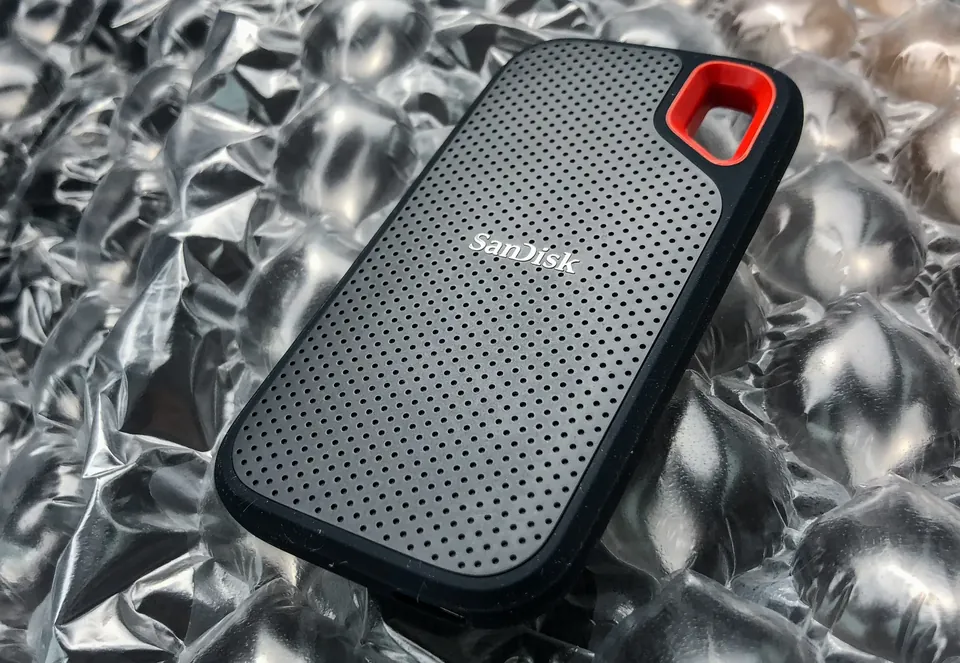
Manufacturers’ sequential-transfer figures describe a particular storage task. They are not a measured loading time for your game, and certainly not a promised frame rate. Our recommendation is to compare the total setup cost and test your actual game rather than paying for the biggest number.
Microsoft describes DirectStorage as a way for games to use high-speed storage more efficiently. Its PC announcement says NVMe SSDs maximize the available I/O performance, while benefits can vary across storage devices. That is not a guarantee that every external USB SSD delivers the same result as an internal NVMe drive.
If a game specifies a particular storage class or configuration, meet that requirement. We have not benchmarked these drives, measured stutter or compared game-loading times. Retain internal space for games whose requirements or behavior make it the better fit.
Sources: Microsoft: DirectStorage on PC and storage performance
Move one game first, and protect saves separately
Before moving anything, locate and back up the saves that matter. A game’s installation folder and its save data are not necessarily the same thing. Valve notes that developers choose their save locations and that some third-party saves are outside the Steam folder.
In Steam, create the destination library in Settings → Storage. Select the source drive, choose the game and use Move. Start with one title rather than your whole library. Let the operation finish, then launch the game and check that your existing save opens.
Check the drive’s current contents and filesystem before any setup change. If a launcher asks you to format it, stop and make a verified separate backup first: formatting is not a harmless compatibility toggle. A portable drive holding your only copy of a save is not a backup.
Sources: Valve: moving Steam games and save-file locations
Treat the cable as part of the installation
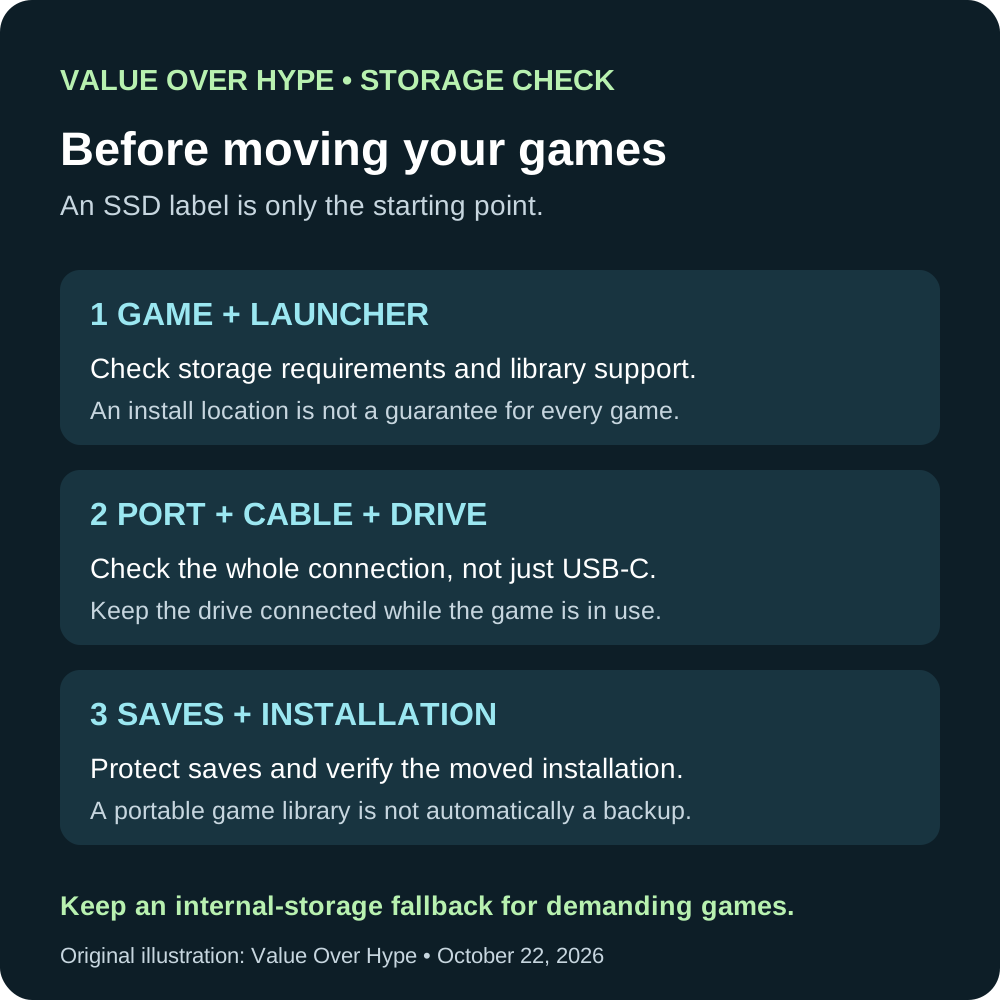
Connect the drive before opening the library, keep it somewhere the cable cannot easily be pulled out, and do not unplug it while a game, download or update is using it. Close the game and launcher before preparing to disconnect.
Microsoft recommends using Windows’ safe-removal process before disconnecting external storage to avoid data loss. Wait until the system says it is safe. If it reports that the drive is still in use, close the relevant application rather than assuming the warning can be ignored.
Our suggested acceptance check is a normal play session, a save and reload, and a later reconnect followed by another successful launch. These are checks for you to perform during the return window, not tests we claim to have done.
Sources: Microsoft: safely remove external hardware in Windows
When internal storage is the better buy
Choose the external route when avoiding internal work or moving storage between your own compatible setups is genuinely useful. Compare the complete cost, including the required cable and any enclosure, against a supported internal upgrade.
Choose internal storage when a suitable upgrade is practical and you value fewer connection problems more than portability. Do not assume every laptop has an empty slot; check the exact model before ordering.
Finally, buy capacity for the games you intend to keep installed, with room for updates and other files. No current drive offer is recommended here because the right purchase depends on compatibility. Verify the exact part number, total price, availability and return terms after that question is settled.
Common buying questions
Is an external HDD the same choice as an external SSD?
No. Check the game’s storage requirement. A game requiring an SSD is not satisfied merely by adding a larger hard disk.
Can I move the drive to another computer and play immediately?
Do not assume so. The other computer still needs the appropriate launcher, account access, game compatibility and any required setup. Moving installation files does not establish all of those conditions.
Will the fastest external SSD give me more frames per second?
A transfer-speed specification is not a game benchmark. Buy to solve a confirmed storage problem; we do not promise a frame-rate increase.
Sources & how we reached our advice
Checked October 22, 2026. We used the primary documentation below for compatibility and specifications. Buying thresholds and decisions are our editorial judgment. This guide does not claim hands-on benchmarks, an exhaustive product ranking, or a test score.
- Kingston: gaming storage and external SSD use cases
- Bethesda: Starfield requires SSD installation
- Valve: moving Steam games and save-file locations
- Valve: installed games appearing uninstalled and external drives
- Samsung: T7 manual, connection and host requirements
- Microsoft: DirectStorage on PC and storage performance
- Microsoft: safely remove external hardware in Windows
No affiliate links. Editorial standards · Send a correction