
PC protection buying guide
Does your gaming PC need a UPS, or is a surge protector enough?
Decide whether battery backup is worth paying for, then compare the actual load, watts, VA, runtime and safe outlet requirements.
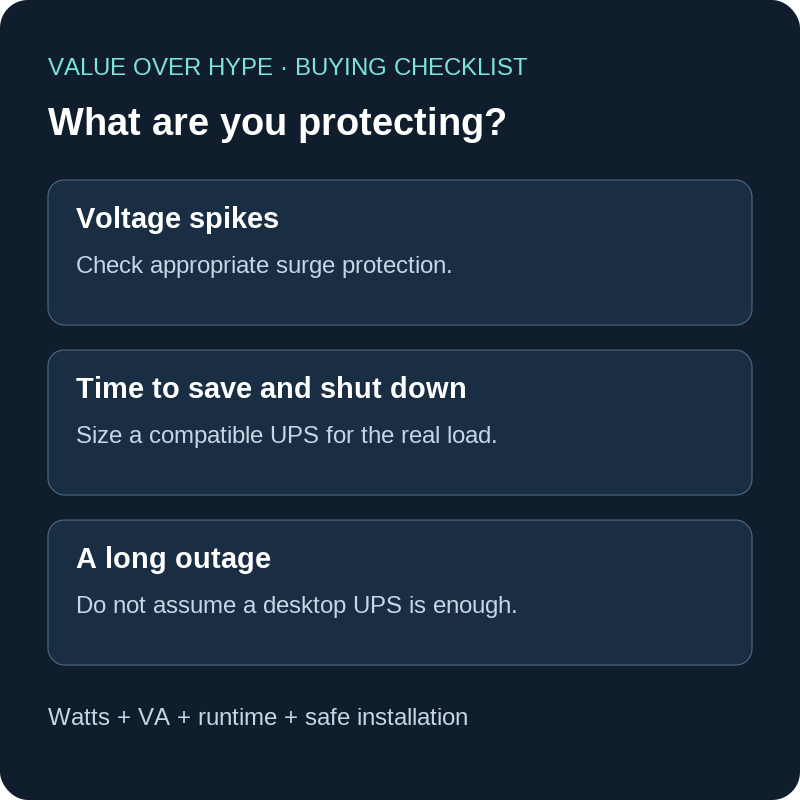
01
Only need surge protection
Check an appropriate surge protector. Extra sockets alone do not establish protection.
02
Need time to save work
Choose a compatible UPS with enough capacity and runtime for the actual equipment.
03
Expect long outages
Do not assume a desktop UPS will run the whole setup for hours.
Surges and power cuts are different problems
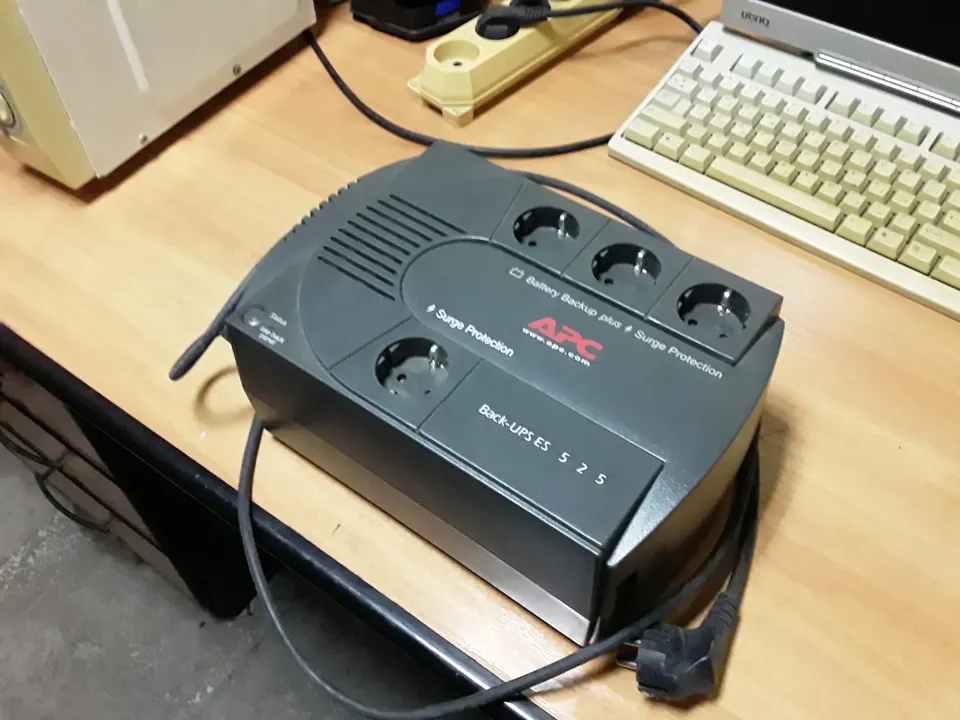
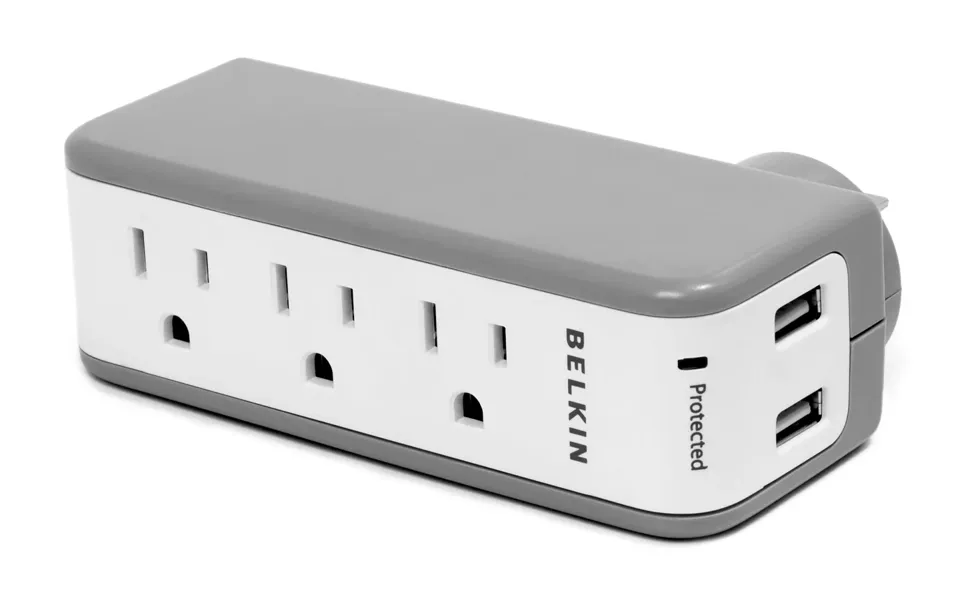
A surge protector addresses voltage spikes; it does not supply battery power when the outlet loses electricity. A UPS combines short-term battery backup with power protection, with features varying by model. Some UPS sockets are surge-only, so their presence does not mean every connected device stays on.
This is research-based buying advice, not a product test or a live deal list. We checked manufacturer and ENERGY STAR guidance on November 13, 2026. The photographs show illustrative hardware, not models we have tested or verified for current price and stock.
Our budget-first approach: decide what an unexpected shutdown actually costs you. If it regularly interrupts paid work, a project or a save operation, battery backup deserves consideration. If outages are rare and losing a session is acceptable, do not buy a large UPS simply because your PC is labeled “gaming.”
Sources: Schneider Electric: UPS buying guide
Size the equipment load, not the PSU sticker
A PC power supply’s rated wattage is its DC output capacity, not a statement that the computer constantly draws that amount from the wall. Wall input also includes conversion losses. A 750W PSU label therefore does not, by itself, tell you the UPS size or runtime you need.
List everything you need on battery: normally the tower and one monitor, plus any other essential device. Use the UPS maker’s sizing method with the complete load. If measuring consumption, follow the meter’s instructions and capture relevant workloads rather than treating one idle reading as the maximum.
Check both output limits on the UPS specification: watts and volt-amperes (VA). Neither may be exceeded. Two units with the same headline VA can have different watt limits, so compare the full rating rather than the largest number on the box. Leave capacity margin following the manufacturer’s guidance instead of sizing to an exact cutoff.
Sources: Schneider Electric: watts versus VA · Seasonic: PSU output ratings versus wall draw · ENERGY STAR: choosing an uninterruptible power supply
Enough watts does not mean enough minutes
Capacity answers whether a UPS can support a load; runtime answers how long it can do so. Read the manufacturer’s runtime curve at your intended load, not just an “up to” figure measured under a different condition. Adding more equipment usually reduces available time.
Choose a goal such as saving your work and completing a controlled shutdown. If the computer may be unattended, check whether the UPS communication connection and shutdown software support your operating system. A working battery is not the same as configured automatic shutdown.
A UPS for the tower does not establish that your internet connection will survive an outage. Local networking hardware and the service beyond your home are separate dependencies. Do not justify a purchase with an assumed online-match guarantee.
Sources: ENERGY STAR: choosing an uninterruptible power supply
Check the exact PC and UPS combination
Before ordering, record the UPS model and region, outlet type, output waveform, watt/VA limits and supported shutdown software. Confirm compatibility with the PC’s power supply using the manufacturers’ guidance. Do not assume every active-PFC supply has identical requirements or that a waveform label alone guarantees compatibility.
Treat a future graphics-card upgrade as a specific additional requirement, not an invitation to buy the biggest battery. If you already have a UPS, repeat the load and runtime checks after changing the PC. The useful question is whether the complete setup still meets your shutdown goal.
Sources: Schneider Electric: UPS buying guide · Eaton: desktop UPS buying guide
Keep the installation simple and follow its manual
APC advises plugging its UPS directly into a wall outlet and avoiding surge strips or power strips on the output. Do not daisy-chain equipment to compensate for choosing too few outlets. Check the instructions for the exact UPS rather than improvising an extension or adapter arrangement.
Put devices that need backup into the outlets explicitly marked for battery backup. APC advises against connecting laser printers to Back-UPS units, including their surge-only outlets, because of their power demand. Do not use spare sockets for heaters or other high-draw appliances.
Keep ventilation clear and choose a position that meets the manufacturer’s environmental requirements. If an outlet, plug or cable is damaged, hot or sparking, stop using it and have the electrical issue assessed; buying a UPS is not a repair for faulty wiring.
Sources: Schneider Electric: UPS buying guide · Eaton: desktop UPS buying guide · APC: surge protectors and power strips with a UPS · APC: laser printers and UPS outlets
Compare the cost of owning it, not only the sale price
Check replacement-battery availability, the manufacturer’s service procedure, warranty, recycling options, size, alarms and fan behavior. Eaton notes that UPS batteries need eventual replacement and that operating conditions affect their life. A discounted used unit with an unknown battery history may cost more to make dependable.
Do not open a UPS or attempt internal repair based on this guide. Follow its approved servicing and replacement instructions, using qualified service where required. Battery backup also does not replace copies of important files stored separately from the PC.
Our verdict: spend on a UPS for a clear interruption problem and a defined shutdown goal. Compare exact models only after you know the load, compatibility and required runtime. For someone who does not need backup power, a suitable surge protector can be the simpler purchase. Neither choice comes with a guarantee against every electrical event.
Sources: Eaton: desktop UPS buying guide
Common buying questions
Does a 750W PSU mean I need a 750W UPS?
Not by itself. The PSU rating describes output capacity. Size the UPS for the full connected load, both its watt and VA limits, appropriate margin and the required runtime.
Sources & how we reached our advice
Checked November 13, 2026. We used the primary documentation below for compatibility and specifications. Buying thresholds and decisions are our editorial judgment. This guide does not claim hands-on benchmarks, an exhaustive product ranking, or a test score.
- Schneider Electric: UPS buying guide
- Eaton: desktop UPS buying guide
- Schneider Electric: watts versus VA
- APC: surge protectors and power strips with a UPS
- APC: laser printers and UPS outlets
- Seasonic: PSU output ratings versus wall draw
- ENERGY STAR: choosing an uninterruptible power supply
No affiliate links. Editorial standards · Send a correction