
Buying checklist 1
One phone: check its requirements
Look up the phone manufacturer’s recommended charging protocol and adapter output before shopping. USB-C describes the connector; it does not guarantee every fast-charging mode. USB Power Delivery and device-specific requirements such as PPS must match where the manufacturer calls for them.
Reuse a compatible charger you already own before buying another. A high-wattage laptop adapter will not force a phone to accept its maximum output. The device negotiates power, and its own charging limits still apply. Do not pay for a 140W label expecting every phone to charge faster.
Buying checklist 2
Laptop plus phone: read the shared-output table
For a travel setup, compare what each port supplies when several devices are connected. A charger advertised at 100W total may deliver less to the laptop once a second port is in use. Find the simultaneous-output diagram, not just the largest number on the product page.
Use the laptop maker’s power guidance as your baseline. Some performance laptops need their original adapter to maintain full performance under heavy load. A compact USB-C charger may still be convenient for light work, but that is a different use case from gaming at full power.
Buying checklist 3
The cable is part of the purchase
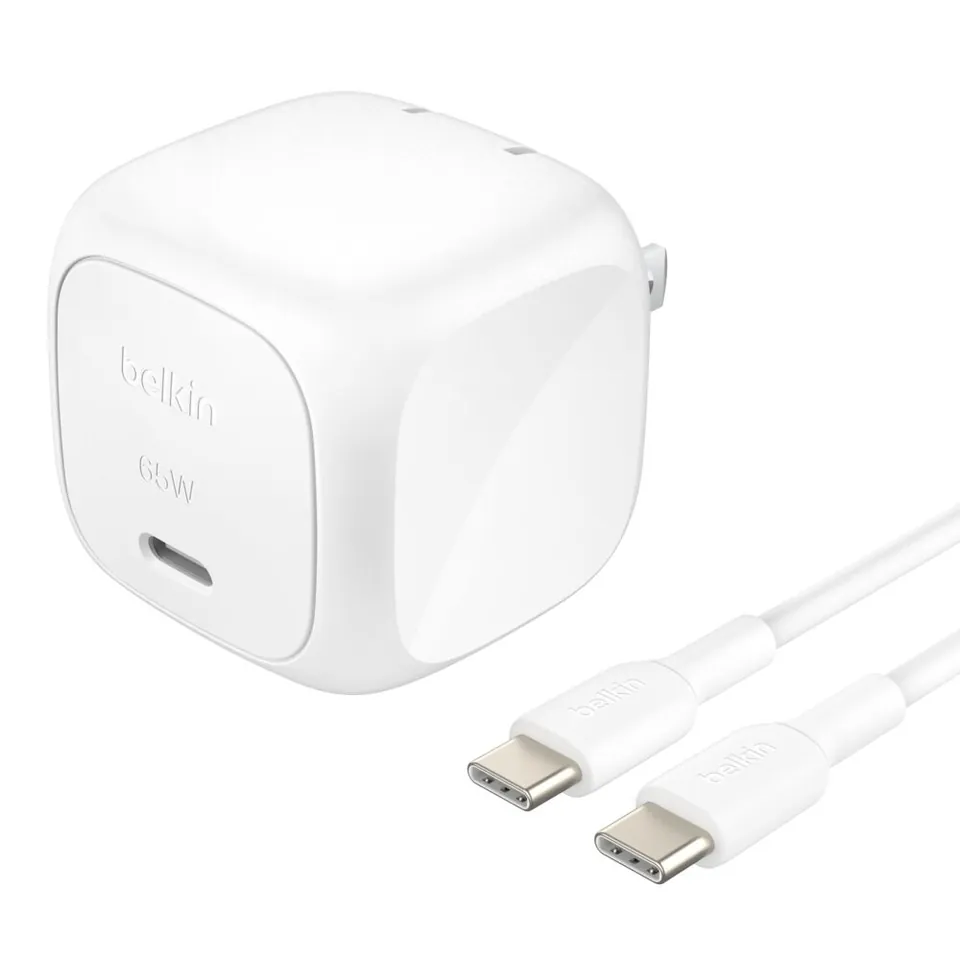
USB-IF requires certified USB-C to USB-C cable categories to carry a 60W or 240W power label. Choose a cable with enough capacity for your intended charging setup, and buy from a seller with clear specifications and support. A cable cannot add charging capabilities that the phone or charger lacks.
Power rating and data speed are separate. A high-power cable is not automatically suitable for fast SSD transfers or a USB-C monitor. If you need video or fast data, check those capabilities explicitly. Buy the shortest practical length for your desk or bag rather than accumulating cables with unclear specifications.
Buying checklist 4
When wireless is worth the extra cost
Qi2 25W is a charging standard, not a guarantee that every magnetic phone will receive 25W. Check the phone, case, charger and required power adapter together. Some stands include an adapter; others turn a modest advertised price into a more expensive complete setup.
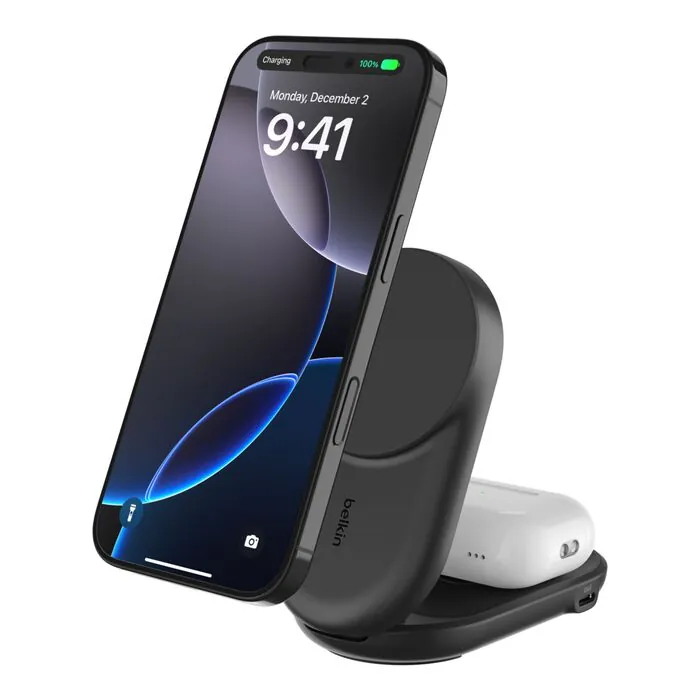
A wireless stand earns its place when you repeatedly set your phone down at a desk or bedside. For the lowest-cost setup, wired charging remains our starting recommendation. The Belkin image here illustrates a charging accessory; it is not a claim that the pictured model supports every feature discussed in this guide.
Sources and related guides
Checked October 9, 2026. Research-based editorial guidance, not a hands-on review or exhaustive market ranking. Prices and availability can change. Price targets are our judgment, not live offers. These links are non-affiliate.