
PC cooling decisions
Air cooler or AIO for a budget gaming PC?
Decide whether to keep your CPU cooler, buy an air cooler or pay for an AIO. Check exact CPU support, case clearance, mounting hardware and the complete installed cost.
01
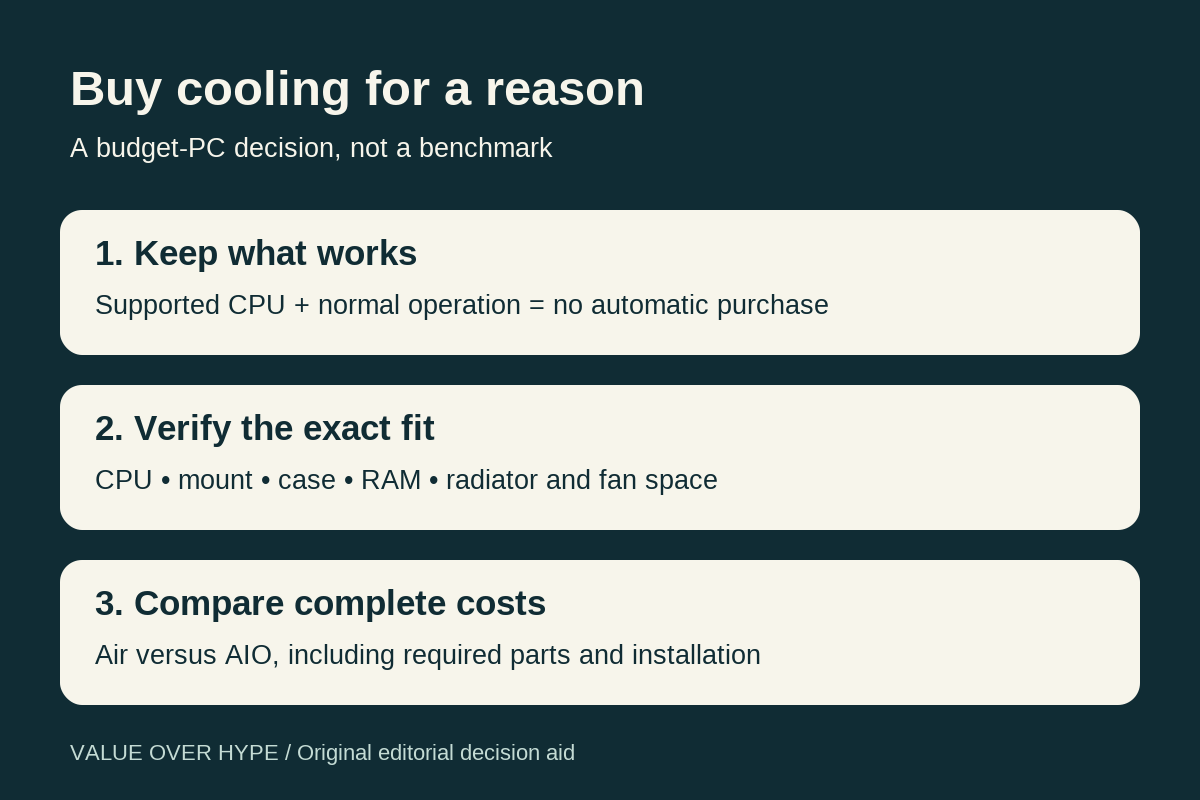
Working cooler, unchanged CPU
Do not replace it just because a gaming build shows an AIO.
02
Budget build or CPU upgrade
Verify the exact CPU, mounting kit and clearances before comparing complete quotes.
03
Considering an AIO
Check radiator-and-fan space, pump placement instructions and support terms, not just radiator length.
Start with a problem, not a cooler category
This is researched purchase advice, not a cooler test or a ranking. We have not measured temperatures, noise or game performance on the pictured hardware. The useful goal is adequate cooling for your actual processor and workload, with acceptable noise and a cost that leaves room for the rest of the PC.
If the existing supported cooler works normally and you are keeping the same processor, spending nothing is a valid option. If the PC is crashing, unusually noisy or reporting temperature warnings, diagnose the cause before ordering a liquid cooler. A replacement is not a guaranteed cure for an unrelated fault.
For a new CPU, recheck the old cooler even if its bracket fits. Mechanical compatibility and adequate cooling are separate questions. A budget spent on cooling cannot also fund the memory, storage or graphics upgrade you actually need.
Air and AIO move heat to different places
An air cooler transfers heat into a heatsink near the processor, where airflow carries it away. An all-in-one liquid cooler moves heat through a sealed coolant loop to a radiator mounted elsewhere in the case. Both still depend on airflow; liquid cooling does not remove the need to plan space for fans.
Intel describes trade-offs in cooling capability, cost, noise and installation rather than one universal winner. Compare the actual products for your CPU and case. A larger radiator or more expensive cooler is not, by itself, evidence of extra frames per second.
Our budget-first approach is to compare a supported air option before paying for an AIO. This is an editorial spending rule, not a claim that every air cooler is cheaper or quieter than every liquid model. An AIO can make sense when a suitable radiator fits and the particular CPU workload, packaging or personal preferences justify it.
Write down four exact compatibility checks
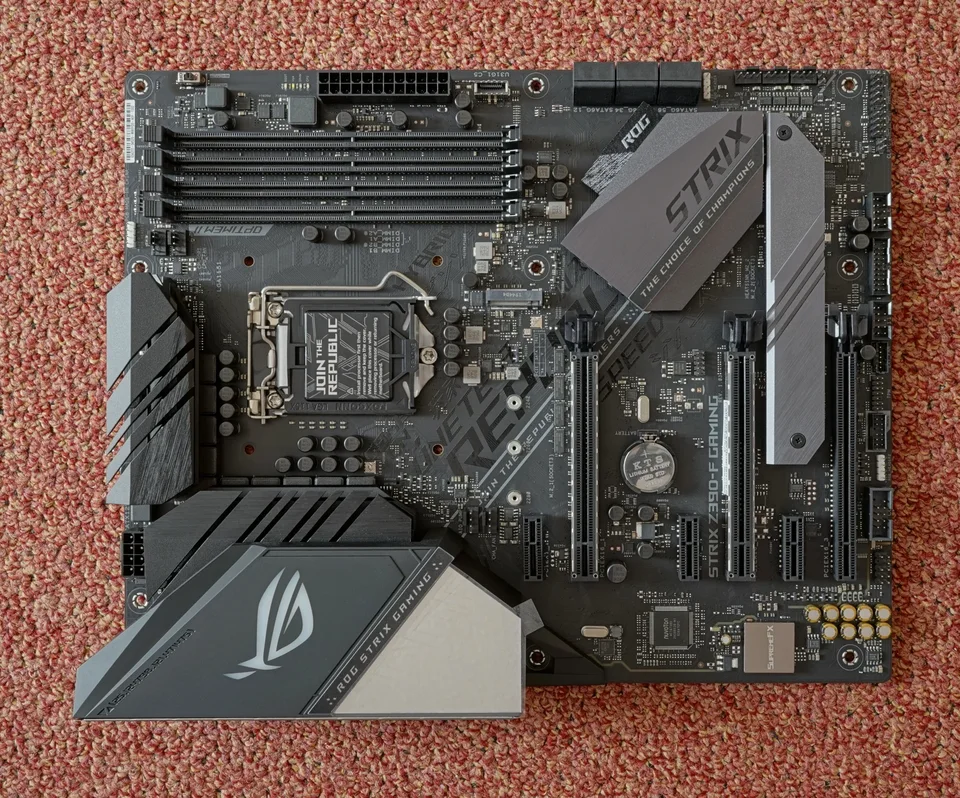
Record the processor model, motherboard or complete prebuilt model, case model and installed memory. Check the cooler maker’s compatibility information alongside the system and case manuals. Noctua’s compatibility tools separate CPU, motherboard, case and RAM checks; passing one does not replace the others.
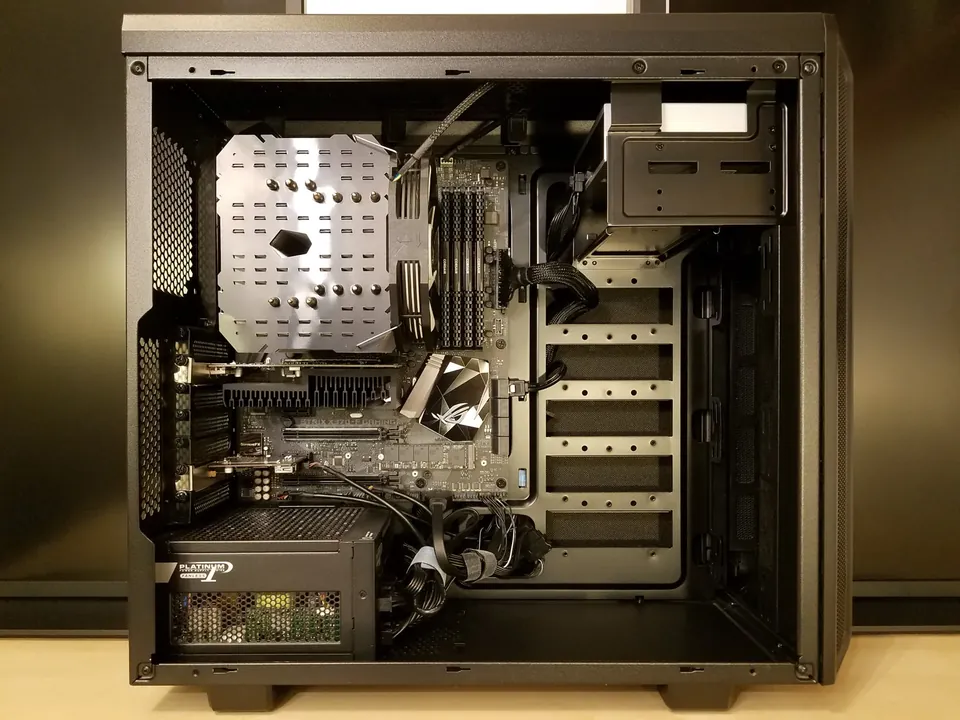
For air cooling, check supported mounting hardware, cooler height, memory clearance and nearby motherboard components. Do not assume the mount from an older purchase is included with the version currently for sale. For proprietary prebuilts, verify the system maker’s supported mounting arrangement before buying retail parts.
For an AIO, check the permitted radiator position and the space needed by the radiator plus fans, hoses and connectors. A case listing that mentions a radiator size is a starting point, not proof that your memory, motherboard and graphics card leave the required room. Use dimensions and the exact case manual.
Sources: Noctua: CPU, motherboard, case and RAM compatibility · Intel: liquid cooling versus air cooling
A raised fan can change the case requirement
Noctua lists 32mm standard RAM clearance for the NH-D15 and NH-D15 G2. Raising the front fan can accommodate taller memory, but it also increases the overall height that the case must accept. This is a specific manufacturer example, not a clearance rule for all tower coolers.
Before checkout, write the final assembled height next to the case limit. Do not compare only the heatsink’s nominal dimensions if your arrangement needs a raised fan. Check the exact cooler and RAM combination in the manufacturer’s guidance. These named models illustrate a fit check; they are not current best-buy selections or verified stock offers.
Do not match two wattage labels and call it done
Noctua explains that CPU TDP labels and actual heat under different power settings do not provide a universal cooler comparison. The same cooler can behave differently across processors. Use the manufacturer’s CPU-specific guidance and check the power configuration it assumes, rather than treating matching wattage numbers as a guarantee.
A gaming session and a sustained rendering job are different purchase targets. Write down your real demanding use before comparing evidence. If you use independent tests, look for the exact cooler version, CPU, power settings, noise conditions and case setup. We offer no measured temperature or noise advantage here.
Sources: Noctua: why cooler wattage ratings need context
An AIO adds placement and maintenance checks
Follow the exact cooler’s installation manual. Corsair’s radiator-placement guidance aims to keep trapped air away from the pump and discusses top mounting or front mounting with tubes down. Do not copy that as a universal orientation rule without locating the pump and checking your model’s instructions. A hose that must be forced into place is not a solved fit problem.
A sealed AIO is not a custom loop that you routinely top up. Corsair describes cleaning dust from the radiator and fans rather than refilling the coolant. Follow the maker’s maintenance and power-isolation instructions; do not open a sealed loop to improvise a repair.
Before buying, read the actual warranty, return terms and replacement process for the seller and model. Do not assume that damage to other components is covered, or that every pump and fan has the same service options. If you need the computer daily, include likely service downtime in your choice.
Sources: Corsair: radiator placement for AIO coolers · Corsair: maintaining a sealed AIO cooler
Compare the installed total, including buying nothing
Get dated quotes for exact part numbers and the seller’s current stock, tax and delivery. Include any required mounting kit, thermal compound, extra fans, controller or fitting service. Check whether your chosen product needs connections or software your system can support. A bare cooler price is not necessarily the usable total.
We do not quote a universal price or recommend an exact SKU for every budget PC: the right purchase depends on the machine. The named hardware above is compatibility evidence or a labeled historical photo, not a live retail offer. Verify current price and stock when you have a supported shortlist.
For an existing working PC, compare three totals: retain the supported cooler; fit a suitable air cooler; fit a suitable AIO. If the liquid option costs more, name the benefit that earns that difference. Appearance can be a personal preference, but it should not be presented as measured gaming performance.
- Keep: confirm continued CPU support and normal operation.
- Air: confirm mounting, final height, RAM clearance and full fitting cost.
- AIO: confirm radiator-and-fan clearance, routing, connections and support terms.
Finish with a safe installation and a verification plan
Back up important work before hardware changes. Follow the computer and cooler manuals for shutdown, power isolation, static precautions, mounting sequence and thermal compound. Never force a bracket or guess at screw pressure. If the installation procedure is unclear, include qualified fitting in the quote.
After installation, use the manufacturer’s checks to confirm fan or pump operation and monitor the system during your normal demanding workload. Use the processor maker’s model-specific temperature guidance rather than a universal “safe” number from another build. If warnings, shutdowns or a leak occur, stop using the machine and follow the maker’s safe shutdown and support instructions.
Keep your receipt and original working parts until the result is verified. A successful purchase is a supported, reliable PC that meets your needs, not simply a more elaborate cooler.
Common buying questions
Does a budget gaming PC need an AIO?
Not automatically. Start with the exact CPU, workload and case, then verify a suitable cooler. Keep an existing supported cooler that works normally; compare a compatible air option before paying for liquid cooling.
Is a liquid cooler always quieter?
No universal noise ranking follows from the category. Fans, pump, operating settings and workload matter. Look for evidence for the exact products under comparable conditions.
Can I reuse my old CPU cooler?
Only after checking the new CPU, exact mounting hardware and cooling support, plus case and RAM clearance. A bracket that fits does not prove adequate cooling.
Do I refill an AIO?
A sealed all-in-one cooler is not maintained like a refillable custom loop. Follow its own manual; do not open it or improvise a coolant refill.
Sources & how we reached our advice
Checked November 8, 2026. We used the primary documentation below for compatibility and specifications. Buying thresholds and decisions are our editorial judgment. This guide does not claim hands-on benchmarks, an exhaustive product ranking, or a test score.
- Intel: liquid cooling versus air cooling
- Noctua: CPU, motherboard, case and RAM compatibility
- Noctua: RAM clearance and raised fans
- Noctua: why cooler wattage ratings need context
- Corsair: radiator placement for AIO coolers
- Corsair: maintaining a sealed AIO cooler
No affiliate links. Editorial standards · Send a correction