
PC upgrades & value
CPU upgrade or new PC? Compare the whole job first
When a processor swap can extend a desktop’s useful life, when a new motherboard changes the bill, and how to avoid buying the wrong fix.
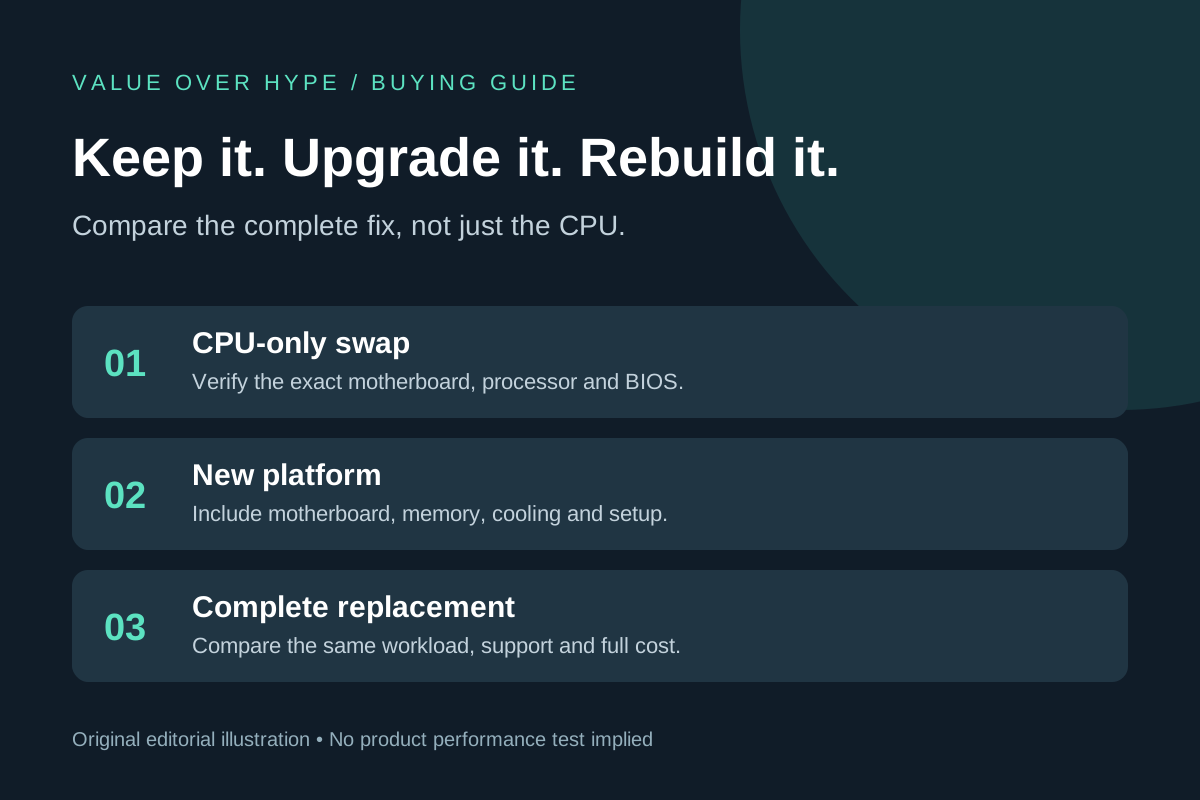
01
Keep the motherboard
Verify the exact CPU support entry, required BIOS and cooling before comparing processor prices.
02
Change the platform
Add the motherboard, compatible memory, cooler hardware and setup to the cost. Check what you can actually reuse.
03
Replace the PC
Compare a ready-to-use system when several parts need replacing or the supported upgrade path is unclear.
Start with the job your current PC cannot do
Write down the game or application, display resolution, settings and the experience you want to improve. A desktop that struggles with a busy simulation presents a different question from one that is comfortable until you raise graphics settings. A processor’s age, core count or position in a product range does not identify the best fix by itself.
Intel’s developer guidance explains that the limiting component can change between scenes in one game. CPU and GPU work are connected: buying a faster CPU does not promise a visible improvement when the graphics workload is the main limit. Equally, a faster graphics card cannot remove every CPU-side limit.
Use a repeatable scene and compare like-for-like settings. Lowering rendering resolution while keeping the other settings consistent can provide a clue about graphics demand. An improvement suggests that demand mattered; little change does not prove you need a CPU. Frame-rate caps, V-sync, background tasks, heat or power limits and memory or storage pressure can affect the result. Look for repeated evidence and relevant independent benchmarks, not one utilization reading or an unexplained bottleneck score.
The same socket is not enough
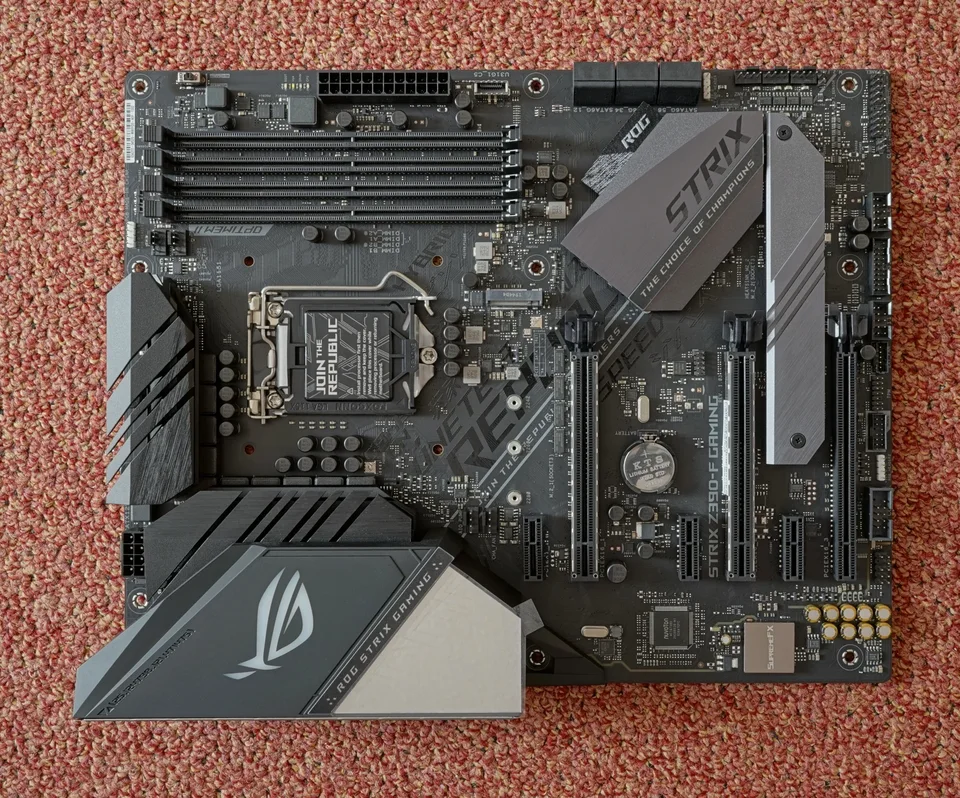
Identify the exact motherboard model and revision, then read its CPU support list. For a branded prebuilt, use the computer manufacturer’s service documentation and supported configurations; a retail board with a similar name is not proof of support. Record the proposed processor’s full model name and the firmware requirement before putting it in a cart.
A concrete example checked November 4, 2026: ASUS lists the Ryzen 7 5700X3D on the PRIME B450M-A II CPU support page with PCB validation ‘ALL’ and BIOS validation beginning at 3802. This is an example of reading the table, not a recommendation to buy those parts, a current stock claim or a pairing we tested. BIOS 3802 is the listed validation minimum, not a blanket instruction to install that version today.
If your proposed processor is absent from the exact support list, stop and resolve that uncertainty before buying. A shared socket or chipset label does not override the manufacturer’s model-specific support information.
Sources: ASUS: PRIME B450M-A II CPU support table
Check how the new CPU will become usable
ASUS documents updating with an older supported, working CPU before fitting a newly supported one. Some boards offer USB BIOS FlashBack without an installed CPU; that feature is model-specific. If neither route is available, include a service update in the quote rather than assuming a new processor will boot immediately. Some boards also have prerequisite firmware versions.
Follow the exact board’s current release notes and instructions. Back up important files, make sure any BitLocker recovery key is accessible privately, and maintain reliable power during a firmware update. Hardware or firmware changes can prompt recovery. This is a purchase-planning checklist, not a universal BIOS-flashing procedure; if the supported route is unclear, arrange qualified help before dismantling a working PC.
Sources: ASUS: preparing BIOS support for a new CPU · Microsoft: BitLocker and recovery-key precautions
A motherboard change can turn a CPU purchase into a rebuild
Memory reuse depends on the destination platform. AM4 uses DDR4; AM5 uses DDR5. Moving an AM4 desktop to AM5 therefore means budgeting for compatible DDR5 rather than transferring the old DDR4 sticks. DDR4 and DDR5 are physically and electrically different. On other platforms, check the exact motherboard rather than assuming that the processor family settles the memory question.
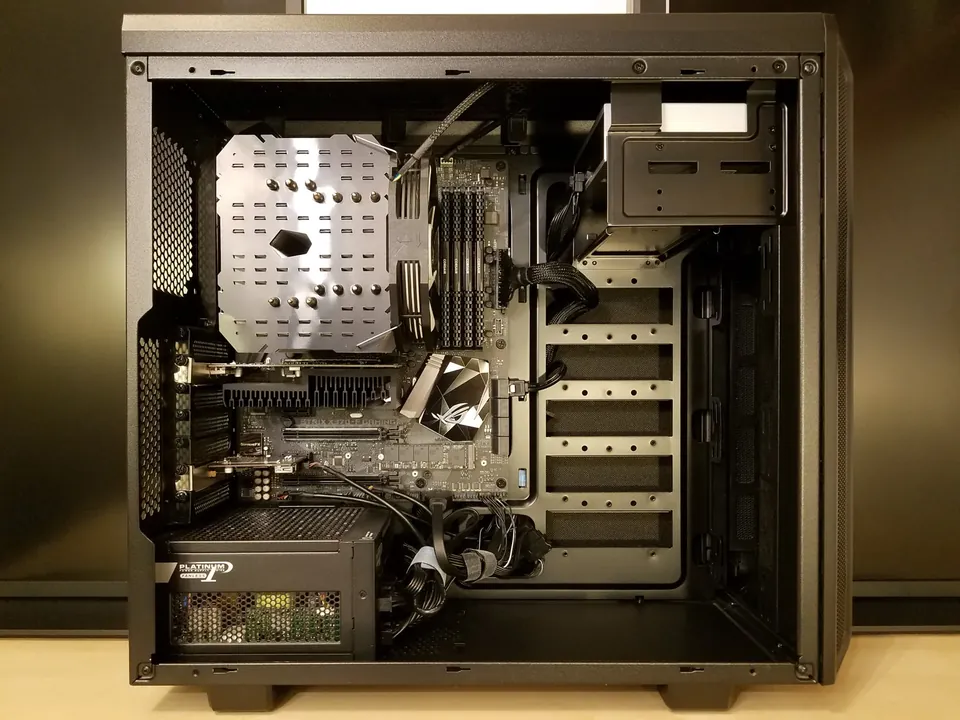
Check the cooler model, mounting kit, cooling suitability and case clearance separately. Noctua documents broad AM5 compatibility for its AM4-compatible coolers but names exceptions, including the NH-L9a-AM4 and NM-AM4-L9aL9i mounting kit. That is a reason to check the maker’s exact compatibility entry, not evidence that every AM4 cooler fits AM5 or can adequately cool every compatible processor.
Also check case mounting, power connections and any components you intend to retain. Proprietary prebuilt layouts can make a standard motherboard swap less straightforward than a parts list suggests. A new motherboard provides the connections and support the chosen platform needs; buying it alone is not a promise of better game performance.
Sources: Kingston: DDR memory generations and platform compatibility · Noctua: AM5 cooler and mounting-kit compatibility
Price three complete options, not three CPU stickers
Make three columns: a CPU-only swap, a platform rebuild, and a replacement desktop that meets the same workload target. Use the following cost checklist; it is not a set of current offers or verified retail prices. Enter dated quotes for the exact parts, seller, stock status and condition you would actually buy.
For each option include the processor or complete tower, required motherboard, compatible memory, cooler or bracket, thermal paste, any necessary case or power-supply replacement, assembly or BIOS service, tax and shipping. Include setup and migration time. Keep components you can genuinely reuse out of the new-purchase total, but do not subtract hoped-for resale money until you have a realistic separate plan.
Check Windows activation before assuming a motherboard replacement has no software consequences. Microsoft identifies a motherboard change as a significant hardware change that can require reactivation. This does not mean every rebuild needs a new license; check your existing license and activation arrangements instead of treating account linking as guaranteed transfer permission.
Compare support and downtime too. A cheaper collection of parts may leave you diagnosing failures across several sellers, while a complete desktop may offer one system-level support route. Neither arrangement is automatically better: read the actual coverage and decide how much assembly, troubleshooting and interruption you are prepared to handle.
Sources: Microsoft: Windows reactivation after a hardware change
Choose the smallest supported change that solves the problem
A CPU-only swap is worth investigating when the board has a useful supported option, firmware preparation is feasible, the rest of the system is suitable and evidence supports an improvement in your actual workload. A discount does not make an incompatible or unnecessary processor good value.
A platform rebuild deserves comparison when no worthwhile supported CPU remains or the target processor needs a new board and memory. Once several other parts also need replacing, put a complete PC beside the rebuild quote. There is no reliable universal age cutoff or percentage-of-replacement-price rule that decides for everyone.
If the cause is still uncertain, keep the money while you gather evidence. If the PC already delivers the experience you need, keep the PC. Our recommendation is a buying framework, not a forecast of frame-rate gains, a tested parts ranking or a promise of future compatibility.
Common buying questions
Can I upgrade the CPU without changing the motherboard?
Sometimes. Match the exact proposed CPU to your board’s support list and firmware requirements, then check cooling, power and the rest of the system. A matching socket alone is insufficient.
Can I reuse DDR4 memory when moving to AM5?
No. AM5 uses DDR5, so an AM4-to-AM5 move needs compatible DDR5 memory. Verify the exact board’s memory requirements before ordering.
Will a new CPU always improve gaming frame rates?
No. The limiting work depends on the game, scene, settings and other hardware. Check the workload before spending; this guide provides no measured frame-rate claims.
Does a motherboard replacement always require a new Windows license?
No universal answer applies. It may require reactivation; check your existing license and Microsoft’s hardware-change guidance before assuming either free transfer or a mandatory new purchase.
Sources & how we reached our advice
Checked November 4, 2026. We used the primary documentation below for compatibility and specifications. Buying thresholds and decisions are our editorial judgment. This guide does not claim hands-on benchmarks, an exhaustive product ranking, or a test score.
- Intel: how CPU and GPU bottlenecks vary
- ASUS: PRIME B450M-A II CPU support table
- ASUS: preparing BIOS support for a new CPU
- Kingston: DDR memory generations and platform compatibility
- Noctua: AM5 cooler and mounting-kit compatibility
- Microsoft: Windows reactivation after a hardware change
- Microsoft: BitLocker and recovery-key precautions
No affiliate links. Editorial standards · Send a correction