
Smart home explained
Matter vs. Thread: do you actually need another smart-home hub?
Understand Matter, Thread, controllers, and border routers before buying a smart plug, light, or speaker. Start with the hardware you already own.
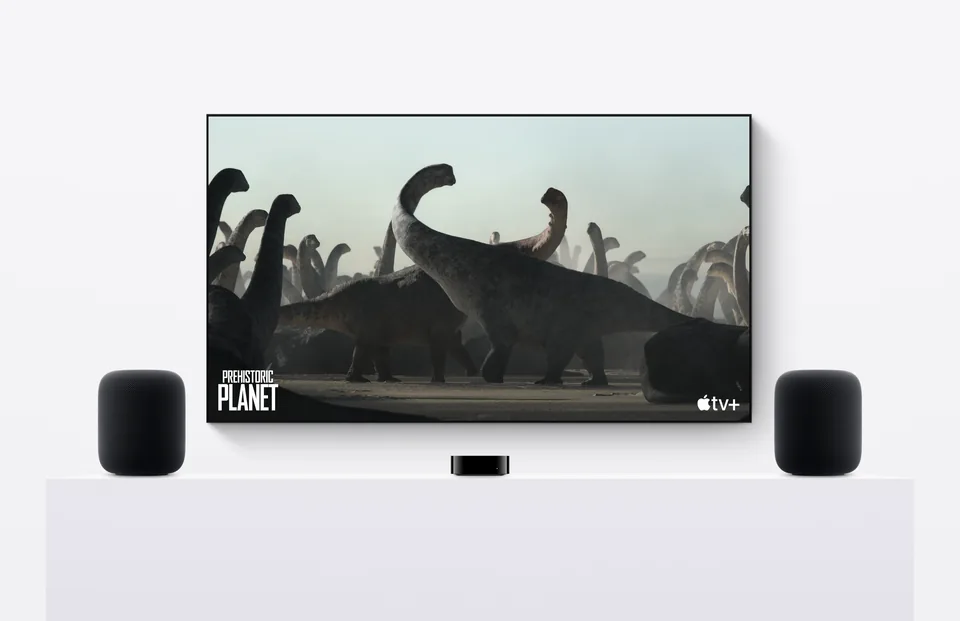
Matter controller
Manages compatible accessories in your chosen home ecosystem.
Thread border router
Connects Thread accessories to the rest of your home network.
Matter accessory
A light, plug, or other supported device using Thread, Wi-Fi, or Ethernet.
Illustration: Value Over Hype. Simplified role guide. Follow the requirements for your exact platform and accessory.
01
Buying a Wi-Fi Matter plug?
Check your chosen platform’s controller requirements. A Thread border router is not required just because the box says Matter.
02
Buying a Thread accessory?
Check the exact model of your existing hub or speaker for Thread border-router support.
03
Everything already works?
Keep it. Compatibility with a new standard alone is not a reason to replace working lights.
Matter and Thread do different jobs
Think about a new lamp in two steps: which app can control it, and how does it connect? Matter addresses compatible device control across participating platforms. Thread is a low-power mesh network, while other Matter products communicate over Wi-Fi or Ethernet. Bluetooth can help with setup without being the everyday connection.
The practical buying question is therefore more specific than ‘Does it support Matter?’ Read whether the accessory uses Wi-Fi or Thread, then check that your preferred platform supports the device type and functions you want. A logo is a useful starting point, not a substitute for the compatibility page.
Sources: Connectivity Standards Alliance: Matter FAQ · Thread Group: Thread in smart homes
Controller, border router, bridge: three jobs, sometimes one device
A Matter controller manages compatible accessories in your chosen ecosystem. A Thread border router connects the Thread network with the rest of your home network. A bridge can expose supported devices using another protocol to a Matter system. One product may perform more than one role, which is why counting boxes can be misleading.
Do not buy a second hub until you check the model you own. ‘Apple TV,’ ‘Nest,’ or ‘Echo’ is a family name, not a complete compatibility answer. Generations and versions can differ. Write down the exact model and match it to the manufacturer’s current support list.
Sources: Connectivity Standards Alliance: Matter FAQ · Thread Group: Thread in smart homes
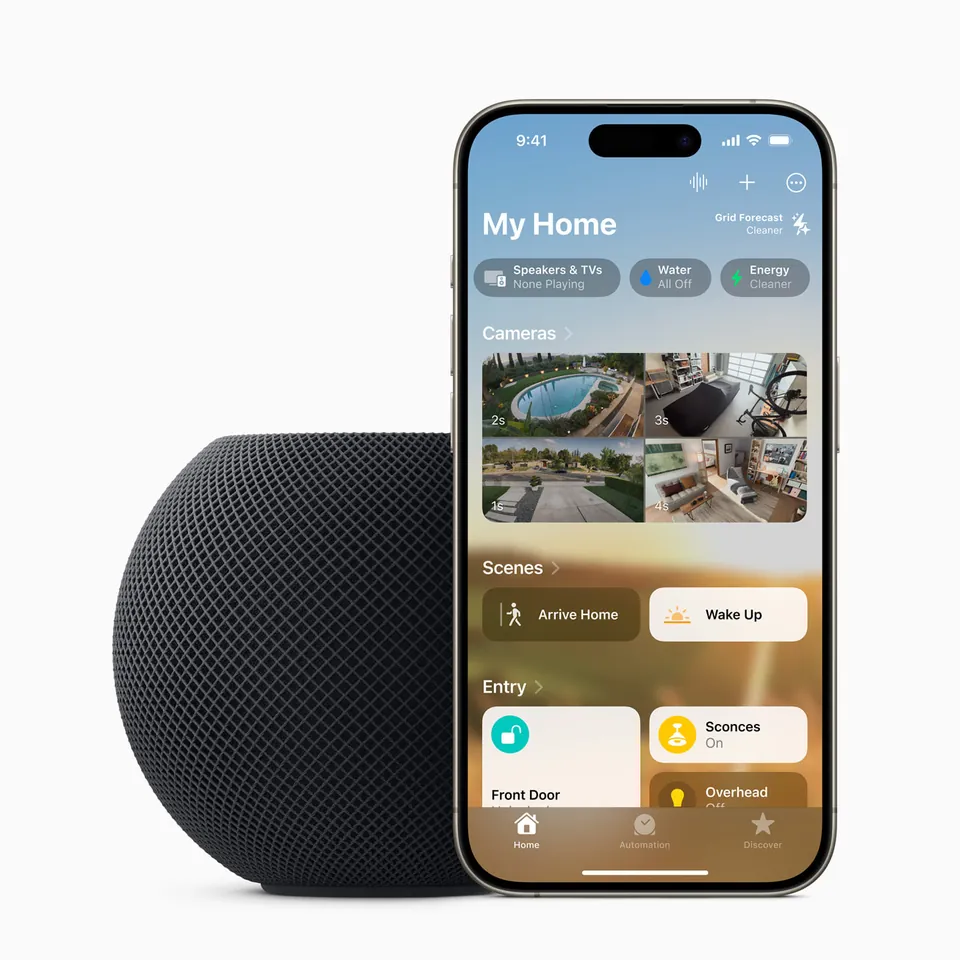
For Apple Home, check the hub before the accessory
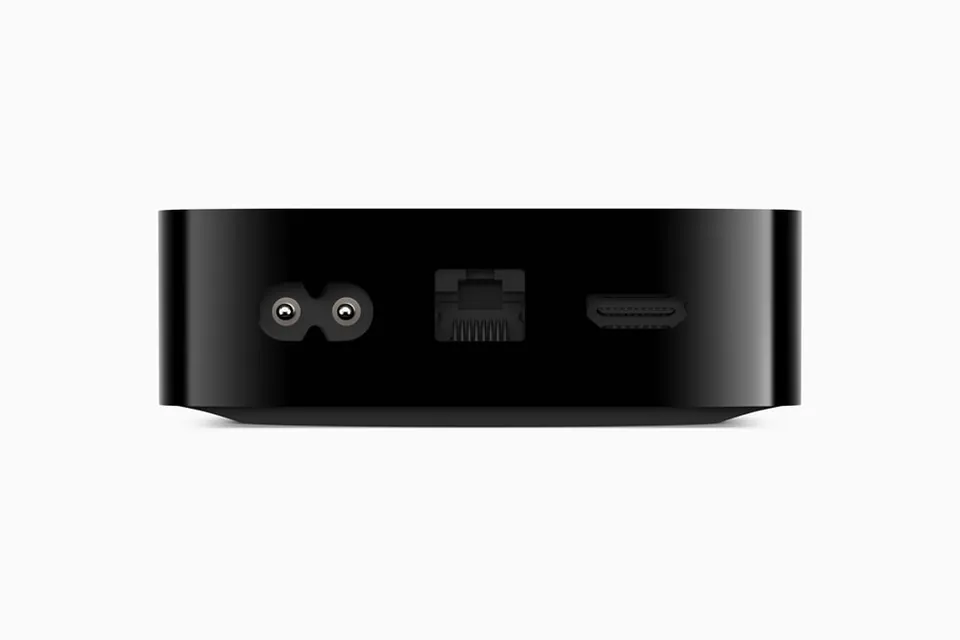
Apple’s home-hub documentation lists HomePod mini and the third-generation Apple TV 4K Wi-Fi + Ethernet among the options for Thread-enabled Matter accessories. That last part of the Apple TV model name matters. Do not assume a Wi-Fi-only model has the same networking hardware.
Apple also documents direct pairing with supported Thread-enabled iPhones on eligible software. That is not a reason to ignore the always-on setup: remote access, automations, and notifications have additional requirements. Follow the support instructions for your phone, accessory, and intended use rather than buying a phone as a substitute for a hub.
Sources: Apple: home-hub and Matter requirements · Apple: Thread-enabled devices and pairing requirements
Local control is useful. It does not make every feature offline
Matter is designed for local connectivity. Access from outside your home needs an internet-connected controller or the manufacturer’s supported remote service. Voice assistants, camera history, and vendor extras may have separate cloud or subscription dependencies.
Our advice is to define the one action you need to keep working: for example, turning on a reading lamp. Verify that action rather than treating ‘local’ as a blanket guarantee. Keep a physical control that everyone in the household understands. A home is not better because the basic light switch became harder to use.
Sources: Connectivity Standards Alliance: Matter FAQ
A four-step shopping check
1. Pick one job. Start with a nonessential lamp or plug before committing to a whole-home bundle. A small trial gives you a chance to judge setup, reliability, and whether other people in the home can use it.
2. Check both ends. Match the accessory’s connection type with a supported controller and, where needed, a Thread border router. Save the setup code somewhere you can find it later; do not publish it in a photo.
3. Price the complete setup. Add any required bridge, subscription, or replacement bulbs. A discounted accessory can be poor value if it needs equipment you would not otherwise buy.
4. Test during the return window. Try the actual routine, guest access, and physical fallback. Keep the receipt and the exact product listing. Expand only after this first purchase solves the original problem.
Common buying questions
Is Matter the same as Thread?
No. Matter is a device-interoperability standard; Thread is a networking technology that some Matter devices use. Other Matter products use Wi-Fi or Ethernet.
Do all Matter devices need a Thread border router?
No. Check the accessory’s networking requirements. Matter-over-Wi-Fi products do not need Thread simply because they support Matter.
Should I replace working smart-home equipment?
Our advice is to keep it unless there is a specific missing feature or reliability problem. Start with one compatible accessory instead of replacing an entire household at once.
Sources & how we reached our advice
Checked October 9, 2026. We used the primary documentation below for compatibility and specifications. Buying thresholds and decisions are our editorial judgment. This guide does not claim hands-on benchmarks, an exhaustive product ranking, or a test score.
- Connectivity Standards Alliance: Matter FAQ
- Thread Group: Thread in smart homes
- Apple: home-hub and Matter requirements
- Apple: Thread-enabled devices and pairing requirements
No affiliate links. Editorial standards · Send a correction