
Budget GPU buying guide
Used graphics card or new? Check the savings, warranty and return route
A used GPU can lower a gaming PC’s cost. Check the exact card, seller evidence, software support and real savings before accepting a shorter safety net.
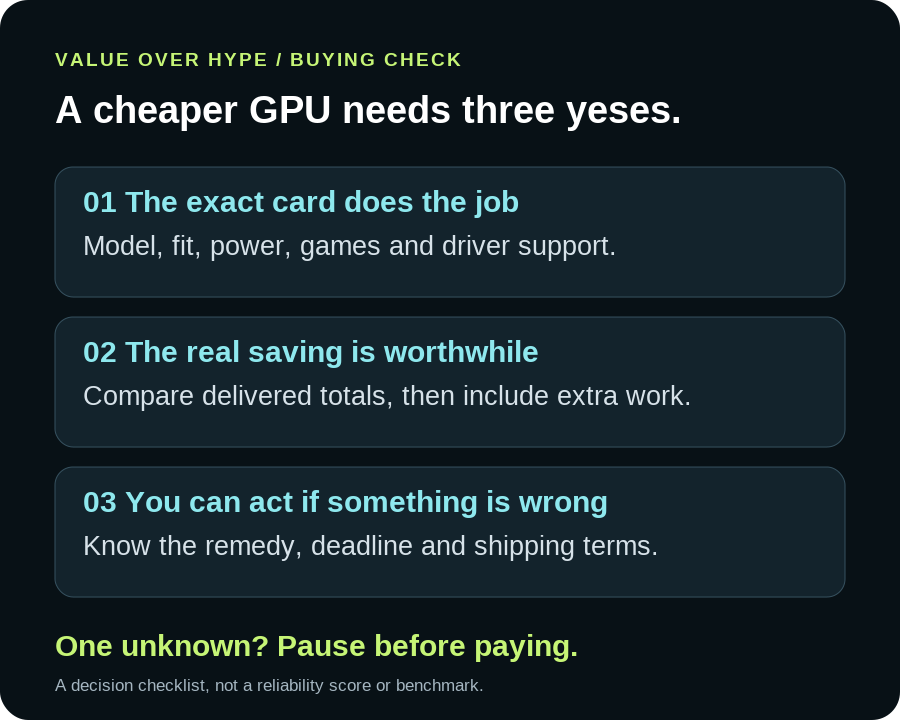
01
A meaningful saving and clear terms
Consider used after checking the actual card, current support and complete delivered cost.
02
Little saving after extra costs
Favor the suitable new alternative if its seller support and warranty are more useful to you.
03
Unknown model or no practical remedy
Pause. A cheap, untestable card is a repair gamble, not a dependable upgrade.
Start with the cheapest suitable alternative, not the old launch price
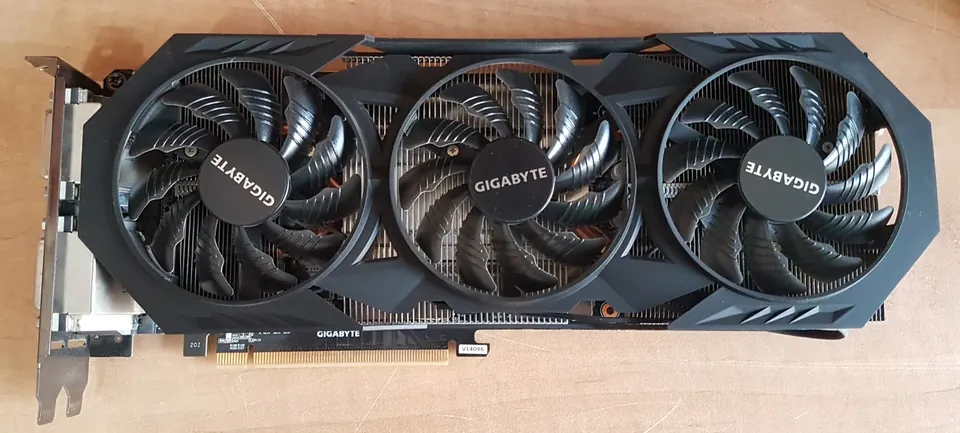
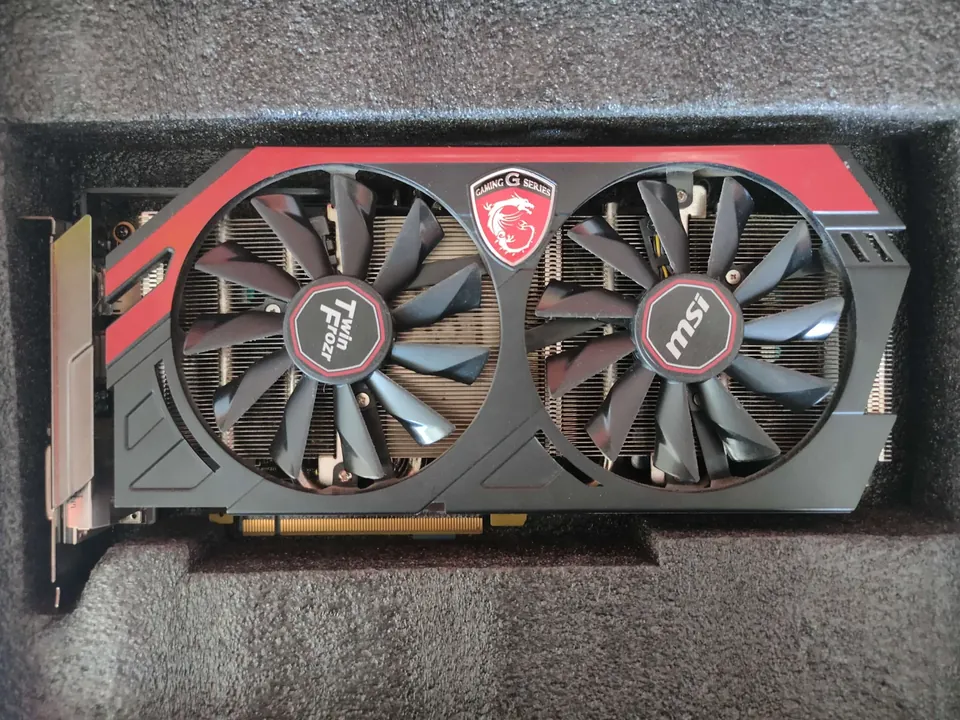
This is research-based buying advice, not a used-GPU test or a current deal list. We have not inspected the pictured cards. The question is whether buying secondhand saves enough money after accounting for condition, support and the work you may need to do.
Write down your games, resolution, settings and any required features. Find credible performance evidence for those needs, then price a suitable new alternative from a seller you would actually use. An expensive card’s original launch price is a poor comparison if a less expensive current option already does the job.
Compare delivered totals on the same basis, including tax, shipping, necessary accessories and paid installation. Subtract used-only expenses from the headline saving. A required power-supply replacement can erase a bargain; if both choices need it, put that cost on both sides.
Hypothetical example, not live offers: a suitable new option costs $250 delivered. A used option costs $210 delivered but needs $20 of additional installation help. The remaining saving is $20, not $40. Decide whether that amount pays you for weaker coverage and possible return downtime. We do not assign a universal safe discount or pretend to know the card’s failure probability.
Get the actual model and evidence of its condition
Record the board manufacturer, complete model or part number and memory capacity. NVIDIA’s own RTX 3060 table lists both 12GB and 8GB versions, so “RTX 3060” alone does not identify the configuration. This is a specification example, not a recommendation to buy either version today.
Ask for clear photographs of the actual card: front, back, display outputs, power connector and readable model label. A stock image cannot establish which unit will arrive. Ask about known faults, repairs, replacement fans, liquid exposure and firmware changes. Save the listing and the seller’s answers.
A recent demonstration in a game can support a seller’s description if it shows the card identity, settings and system context. It cannot guarantee remaining lifespan. Do not treat a clean cooler or the phrase “never mined” as proof of the card’s full history.
Check case clearance, power supply and compatible cables before agreeing to buy. Our separate prebuilt-upgrade guide covers those checks in detail. A trustworthy seller cannot make an unsuitable card fit your PC.
Check driver support before paying for older performance
A working card can still be a poor choice for the software you plan to use. Check the manufacturer’s current driver support for the exact GPU and operating system, along with the games’ requirements. An old benchmark does not establish support for a new release.
NVIDIA’s published plan moved Maxwell, Pascal and Volta GeForce GPUs to quarterly security updates after the final October 2025 Game Ready release, with security updates planned through October 2028. Security updates are not the same as ongoing Game Ready optimizations for new games.
That distinction matters when comparing older bargains with newer hardware. It does not mean an existing card suddenly stops running its games. Keep a working card if it still serves your needs; do not pay for an old upgrade on the assumption that all driver support is equivalent.
Sources: NVIDIA: Maxwell, Pascal and Volta driver-support plan
Separate the manufacturer warranty from the seller’s promise
“Warranty remaining” needs verification. NVIDIA’s US warranty for its NVIDIA-branded graphics cards does not extend to someone acquiring the card used. That policy is not a blanket rule for every card with an NVIDIA GPU: board partners have their own terms.
EVGA provides a contrasting US/Canada example. Its separate secondhand warranty depends on qualifying product suffixes, proof of the resale transaction and the original shipment date. Some suffixes are excluded. The existence of that policy does not establish that an old EVGA card still has coverage in 2026.
Before counting a warranty as part of the value, ask the responsible manufacturer to confirm the exact model, serial, region and paperwork requirements. Separately record what the seller promises, who handles a fault and who pays shipping. Manufacturer coverage, a shop’s warranty and marketplace buyer protection are different arrangements.
Sources: NVIDIA: US NVIDIA-branded graphics-card warranty · EVGA: US/Canada graphics-card warranty and secondhand terms
Choose a return route you could actually use
For a first used-card purchase, our preference is a clearly described working card with written terms and enough time to install and check it. Avoid “for parts,” “not working” and untested repair projects unless that is deliberately the job you want.
eBay.com’s Money Back Guarantee covers eligible damaged, faulty or misdescribed purchases even when the seller says no returns, subject to its conditions and deadlines. It is not a lifetime warranty or a general change-of-mind promise. A fault disclosed before purchase is a different situation.
Off-platform payment is excluded from that protection. Use the policy for the site where you complete checkout and check your order’s actual deadlines, return-shipping responsibilities and reporting steps. Do not assume every marketplace or country follows eBay.com’s rules.
A local demonstration can be useful, but it is not a substitute for agreed remedy terms. If you cannot test the card promptly, arrange installation before buying or choose a less demanding option. A discount loses value when the return period expires before you find the problem.
Sources: eBay.com: Money Back Guarantee eligibility and deadlines
Check it promptly, without turning acceptance into a repair project
Photograph the packaging and card on arrival, then compare its identifiers and condition with the saved listing. Do not power a card with visible burning, corrosion, liquid damage or a damaged power connector. Raise a discrepancy promptly instead of trying to repair it first.
Follow the PC and card manufacturers’ installation instructions, with power disconnected and appropriate electrostatic precautions. Use a known-working compatible system and official drivers for the exact card and OS. Start at factory settings, not a seller’s custom overclock or an improvised firmware flash.
Check the display outputs you need and play familiar games at repeatable settings. Record unexpected visual corruption, repeated crashes and abnormal fan behavior, along with the driver, game and circumstances. A short pass is reassuring evidence, not a guarantee of lifespan; a crash can also come from software, memory or another system component.
A stationary fan at idle is not automatically a fault. ASUS documents intentional fan-stop behavior on supported cards, with conditions that vary by model. Check the exact specification. Stop using a card whose fans are malfunctioning; do not use one universal temperature number to judge every cooler.
If a problem persists, save clear evidence and follow the seller or platform’s process before its deadline. Do not repaste, dismantle or flash a newly received card to make a supposedly working purchase acceptable. Get the remedy question settled before taking on repair work.
Sources: NVIDIA: graphics-card and system stability troubleshooting · ASUS: fan-stop behavior and malfunctioning-fan precautions
Buy used when the saving survives the checks
Consider the used card when the exact configuration is right, the seller’s evidence is consistent, software support fits your plans and the saving remains worthwhile after all extra costs. Keep the current working card until the replacement has passed your own checks.
Choose new, wait or skip the upgrade when the saving is small, the seller pressures you to pay outside protections, identifying details conflict, or you lack the time and equipment to check the purchase. A used card is not automatically bad value. Unpriced uncertainty is what makes a cheap listing expensive.
Common buying questions
How much cheaper should a used graphics card be?
There is no universal percentage. Compare a suitable new alternative’s delivered cost with the used card’s full cost, then decide whether the remaining saving justifies its coverage, inspection work and potential downtime.
Does a seller’s receipt guarantee that the warranty transfers?
No. The responsible manufacturer’s terms, exact product, region and documentation determine coverage. Verify them before assigning warranty value.
Can a benchmark prove that a used GPU will last?
No. A successful run supports a limited working-condition check. It cannot establish the full history or remaining lifespan of that individual card.
Sources & how we reached our advice
Checked November 11, 2026. We used the primary documentation below for compatibility and specifications. Buying thresholds and decisions are our editorial judgment. This guide does not claim hands-on benchmarks, an exhaustive product ranking, or a test score.
- NVIDIA: RTX 3060 family memory configurations
- NVIDIA: Maxwell, Pascal and Volta driver-support plan
- NVIDIA: US NVIDIA-branded graphics-card warranty
- EVGA: US/Canada graphics-card warranty and secondhand terms
- eBay.com: Money Back Guarantee eligibility and deadlines
- NVIDIA: graphics-card and system stability troubleshooting
- ASUS: fan-stop behavior and malfunctioning-fan precautions
No affiliate links. Editorial standards · Send a correction