
Budget gaming decisions
Used office PC for gaming: when does the cheap desktop stop being a bargain?
Before buying an old office desktop for games, price the complete setup and check its exact case, graphics limits, Windows support and seller terms.
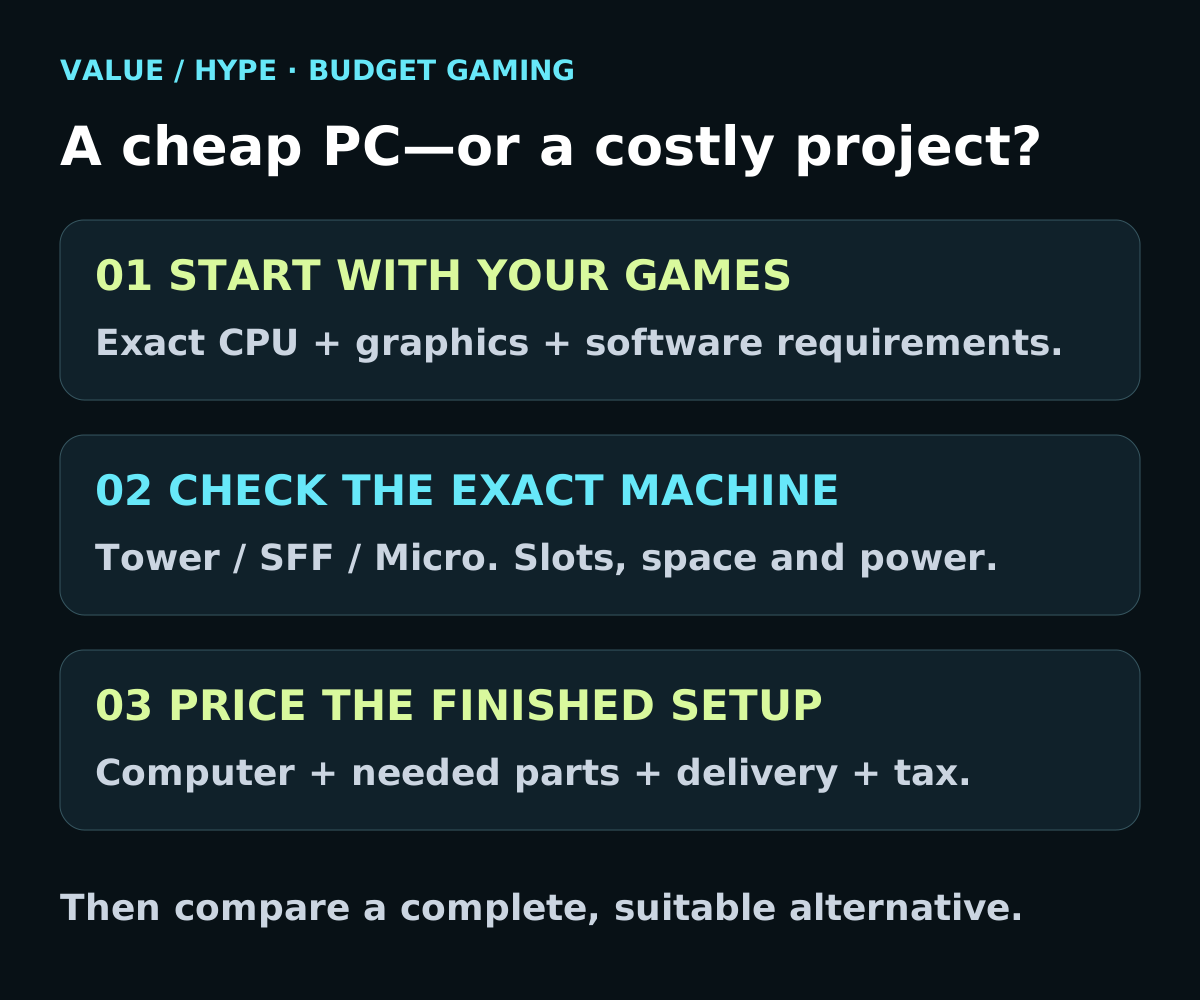
01
You want light games and everyday work
Check the exact integrated graphics and your games first. You may not need an added graphics card.
02
You plan to add a graphics card
Verify the precise chassis, slot limits, clearances and power supply before buying either part.
03
The total approaches a complete gaming PC
Compare the ready-to-use alternative, including support and returns. Cheap parts are not automatically a cheap finished system.
Write down the games before shopping for the box
Begin with the games you actually play, your monitor resolution and the experience you expect. A computer for older games, browser games and homework is a different purchase from one meant for demanding new releases. Check each publisher’s current requirements, including graphics, operating system and storage, rather than accepting a seller’s generic “gaming PC” label.
A requirements list is a compatibility starting point, not a promised frame rate. If you cannot find credible performance evidence for the exact CPU and graphics combination, do not buy on an assumed result. Ask for a demonstration of your own workload when practical, or choose a seller with return terms you can use.
Keep the no-upgrade option in the comparison. A working office desktop that already meets a modest need can be sensible. Spending extra to transform every inexpensive computer into something else is where the value often disappears.
Tower, small form factor and Micro are not interchangeable
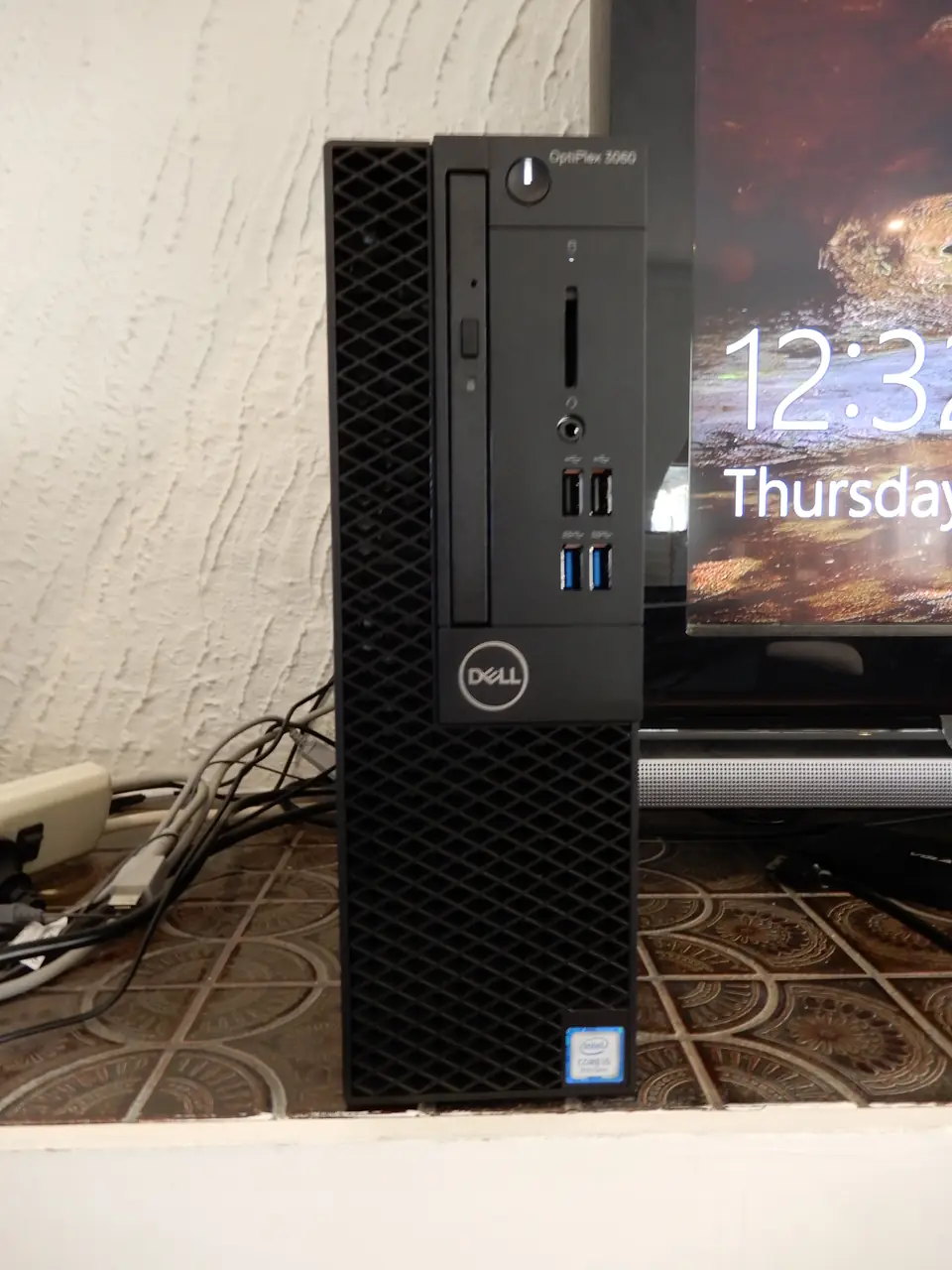
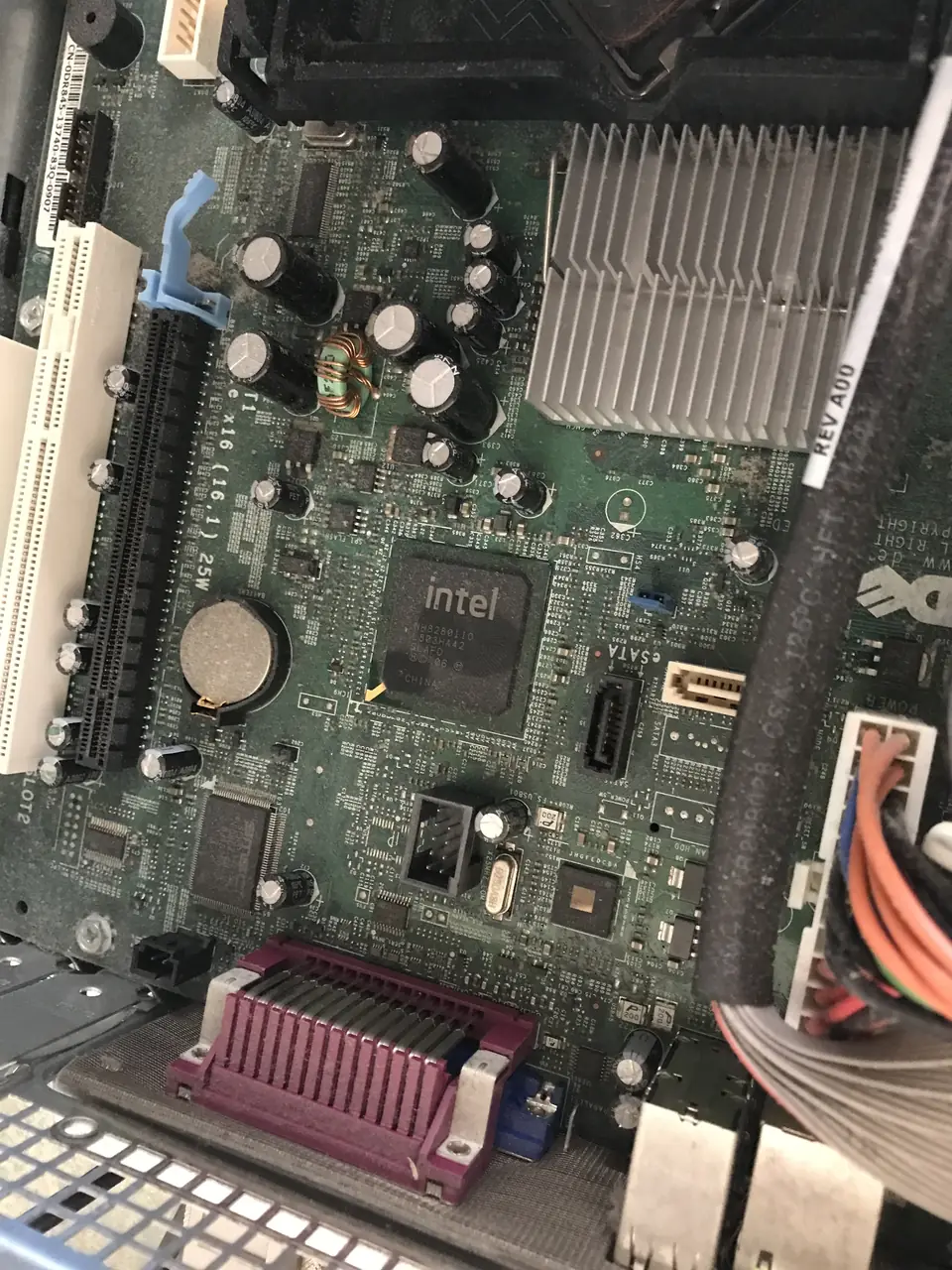
The same model family can hide very different expansion limits. Dell’s OptiPlex 7060 documentation, for example, distinguishes a tower with full-height expansion, a small-form-factor version with half-height slots and a Micro with no conventional desktop graphics-card slot. Its listed power supplies are 260W for the tower and 200W for the SFF. These are examples from that family, not a rule for every Dell.
Get the exact model, chassis and actual installed specification from the seller. A stock front photo or “OptiPlex 7060” title is not enough. Ask for the rear expansion area and power-supply label, with personal information kept private. Check the manufacturer’s manual for that version before adding anything to the shopping list.
Our buying preference is a machine that fits the intended job without a case conversion, improvised power adapters or a chain of uncertain upgrades. A larger case may be easier to work with, but “tower” alone does not promise a standard replacement power supply or unrestricted compatibility.
Sources: Dell: OptiPlex 7060 form factors, expansion and power specifications
Low-profile graphics does not mean “fits every small PC”
MSI’s GeForce RTX 3050 LP 6G OC is a useful specification example: MSI lists 6GB of memory, 70W card power, a 300W recommended system power supply and dimensions of 174 × 69 × 42mm. The 70W figure is not a statement that any office PC with a spare slot can run it.
Compare those requirements with the exact computer, not just the height of the bracket. The 7060 SFF’s documented 200W supply does not meet MSI’s stated 300W recommendation. We have not tested or certified that pairing, and we do not recommend buying it on this evidence. Slot power limits, neighboring components and the card’s thickness also need verification.
Do not buy a cheap base system first and solve compatibility afterward. If the seller cannot establish the required space and supported power arrangement, treat the upgrade as unverified. Use our separate prebuilt-GPU guide for the detailed checks rather than guessing from a photo.
Sources: Dell: OptiPlex 7060 form factors, expansion and power specifications · MSI: GeForce RTX 3050 LP 6G OC exact specifications
A real listing shows why the base price matters
Checked October 30, 2026: Joy Systems PC’s SKU J1-7060TA06 listed a refurbished Grade A Dell OptiPlex 7060 T mini tower with Core i5-8500, 16GB DDR4, 256GB SSD, integrated graphics and Windows 11 Pro at $489.99, with Add to cart. The page stated a one-year warranty and no included monitor. This is the tower, not the SFF example above.
This is a dated listing observation, not our gaming recommendation, a completed checkout or a delivery guarantee. Confirm the exact unit, stock, taxes, shipping, return terms and what the warranty covers. A seller-installed operating system is not independent verification of every hardware or licensing requirement.
Our conclusion is limited but useful: at that base price, do not assume an old office desktop is the cheapest route to gaming. Price the graphics, capacity and peripherals your particular games require, then compare a complete alternative. We have not measured this unit’s performance or inspected its condition.
Sources: Joy Systems PC: refurbished OptiPlex 7060 T, SKU J1-7060TA06
Compare the ready-to-play total, not a bare computer
Use the same basket on both sides: computer, compatible graphics if needed, required storage or memory, any missing display or network adapter, delivery and tax. Include paid setup or repair help if you will need it. Leave out parts you already own and can actually reuse.
Hypothetical arithmetic only: a $150 desktop plus a $160 compatible graphics card, $45 storage upgrade and $25 of missing accessories totals $380 before tax, shipping or labor. These are invented worksheet inputs, not current offers or a claim that those parts work together. If a suitable complete system were $420 on the same cost basis, the $40 difference would need to justify the extra work and separate support responsibilities.
Compare condition and seller protections as carefully as components. A private-sale project and a refurbished system with a return window are not the same purchase. Also ask what happens if the original PC works but an added part does not: who will diagnose it, and can you return the relevant item?
Compare current budget gaming PC options and ceilingsBuild versus buy: include support in the calculation
Check Windows support separately from the installed sticker
Microsoft’s Windows 11 requirements include an approved processor, UEFI firmware with Secure Boot capability and TPM 2.0, along with other minimum specifications. “Core i7,” a high clock speed or a screenshot of Windows running does not establish that the complete machine meets those requirements.
Ask the seller to identify the exact processor and confirm the hardware’s official eligibility and Windows activation. Use Microsoft’s current requirements and the PC manufacturer’s support information. Do not budget around bypassing requirements to make an unsuitable computer look supported.
An ex-business system should also be ready for its new owner, not still dependent on an employer’s account or management setup. Have the seller resolve locks or organizational enrollment through the proper owner before purchase. If that cannot be established, choose a different machine.
Sources: Microsoft: Windows 11 system requirements and eligibility
Our buy, wait and walk-away checklist
Buy only when the complete configuration meets your intended games, the software is supported, and the final cost leaves a worthwhile saving for the condition and work involved. “Worthwhile” depends on your budget and ability to troubleshoot; there is no universal discount that makes an unknown machine safe value.
Wait when a seller has not supplied the exact chassis, power supply, graphics model or return terms. Missing information is not proof of a bad computer, but it is a reason not to pay yet.
Walk away when the plan depends on unsupported workarounds, uncertain ownership, improvised power wiring, or replacing so many parts that a complete alternative makes more sense. A smaller discount is not worth buying the wrong system.
After an authorized purchase, check the promised specification and try your normal workload during the return window before spending on further upgrades. These are suggested buyer checks, not tests Value Over Hype performed.
Common buying questions
Is a refurbished office PC automatically a bad gaming buy?
No. It can fit light gaming or a tightly defined upgrade when the exact machine, software and complete cost check out. Judge the finished configuration, not its former job.
Will any low-profile graphics card work in a small desktop?
No. Bracket height is only one constraint. Verify dimensions, slot and power limits, the actual power supply and the manufacturer’s requirements for the precise card and PC.
Does “Windows 11 installed” prove the computer is supported?
No. Verify the exact hardware against Microsoft’s requirements and confirm activation and a clean ownership/management state with the seller.
Sources & how we reached our advice
Checked October 30, 2026. We used the primary documentation below for compatibility and specifications. Buying thresholds and decisions are our editorial judgment. This guide does not claim hands-on benchmarks, an exhaustive product ranking, or a test score.
- Dell: OptiPlex 7060 form factors, expansion and power specifications
- MSI: GeForce RTX 3050 LP 6G OC exact specifications
- Joy Systems PC: refurbished OptiPlex 7060 T, SKU J1-7060TA06
- Microsoft: Windows 11 system requirements and eligibility
No affiliate links. Editorial standards · Send a correction