
Gaming buying decisions
Gaming laptop vs. desktop: which is better for your budget?
Compare the complete setup, where you actually play and what can be upgraded. A practical decision guide—not a claim that one form factor always wins.
01
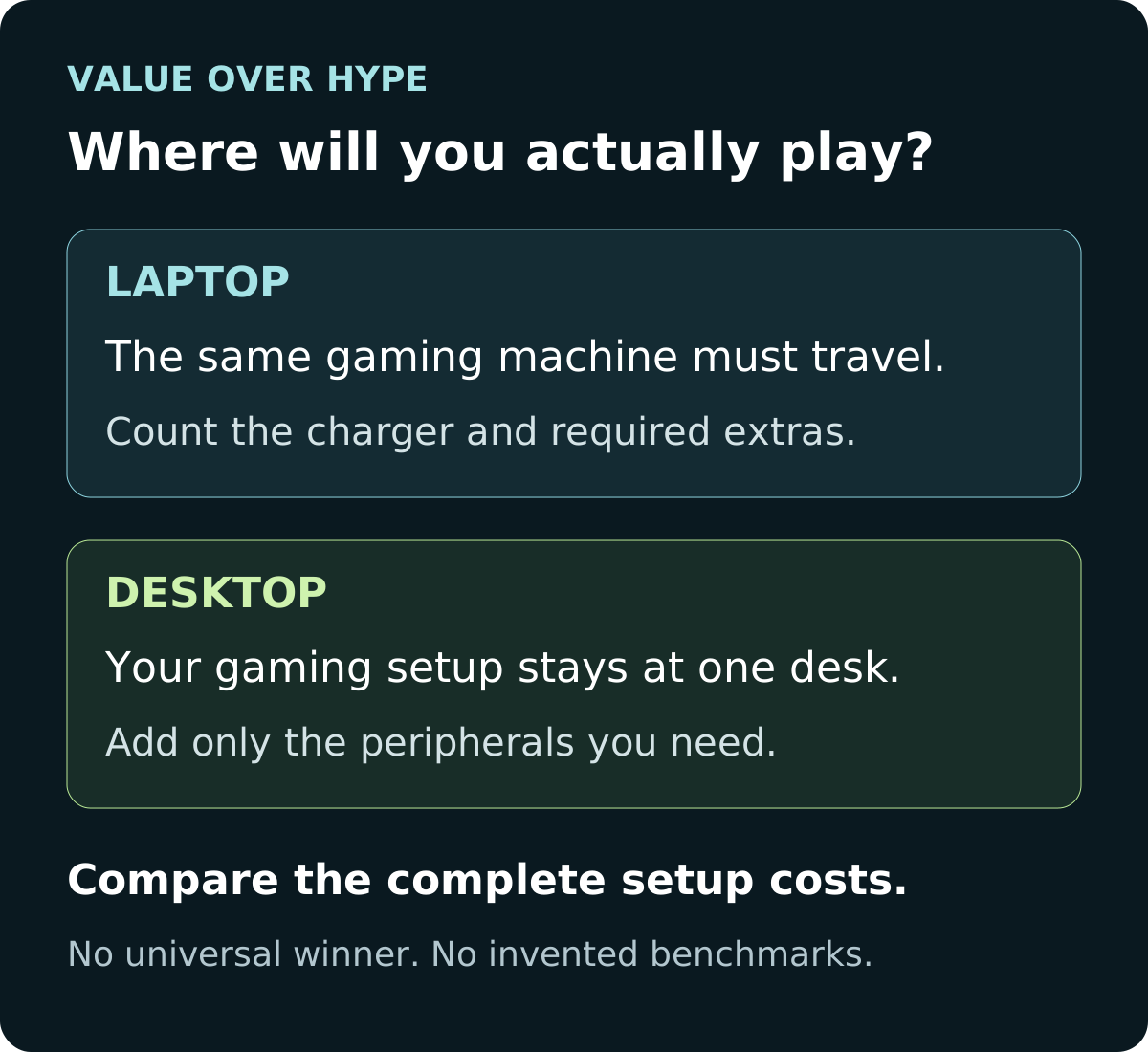
One computer must travel
Price the laptop, its required charger and the accessories you will carry. Check that it also fits your everyday work or school needs.
02
Gaming stays at one desk
Start with a complete desktop quote. Reuse a suitable screen and peripherals before spending on replacements.
03
You already have a working laptop
Consider keeping it for mobile work and buying only the gaming hardware you lack. Two new computers are not automatically better value.
Start with a normal week, not a spec sheet
Write down where you will play, where you will work, and how often the same computer must move between them. A weekly trip between two homes is a stronger reason to buy portable gaming hardware than a vague possibility of gaming away someday.
A laptop includes its display, keyboard, pointing device and battery. A tower needs an external display and power. Those differences make the complete setup—not just the processor—the useful starting point. You can add a desk setup to a laptop, but those extras still belong in the budget.
Our rule of thumb: choose the form factor that solves a repeated need. If you only need documents and a browser away from home, check whether your existing laptop already does that job. If one machine must handle both travel and games, do not price a desktop as if it also solves the travel requirement.
Sources: Intel: gaming laptop and desktop form-factor differences
Compare two complete baskets, not two sticker prices
List only equipment you actually need to buy. For a desktop, include a suitable monitor, keyboard, mouse, required connectivity and any missing software. For a laptop, include the mouse, carrying protection, and any external screen, dock or adapters you genuinely need. Confirm the required power adapter is included in the exact offer.
Hypothetical example—not current offers: a $1,000 tower plus a $180 monitor and $50 keyboard/mouse budget totals $1,230. A $1,200 laptop plus a $30 mouse also totals $1,230. These invented inputs illustrate arithmetic only; they do not describe equivalent hardware, measured performance or currently available products.
If you already own a suitable monitor and input devices, the hypothetical desktop basket falls to $1,000. If you want the laptop connected to an external display and keyboard too, add those costs to its basket. Recalculate with your actual needs rather than treating either example as a buying target.
Next add tax, shipping, any immediately necessary RAM or storage work, and paid setup you need. Keep a separate line for optional extras. A discounted machine that needs an immediate upgrade can lose its advantage once the entire basket is priced.
- Desktop total = tower or complete parts/build quote + missing display and inputs + required additions + delivery and tax.
- Laptop total = exact laptop offer + required accessories and upgrades + delivery and tax.
- Count shared equipment once; do not charge a desktop for a new monitor you will reuse, or omit a dock you require for the laptop.
The same GPU number does not mean the same hardware
NVIDIA’s specifications illustrate the naming problem: the GeForce RTX 5070 Ti Laptop GPU lists 12GB of graphics memory, while the desktop GeForce RTX 5070 Ti lists 16GB. They are distinct products despite sharing the 5070 Ti name. This is a specification example, not a recommendation, a price comparison or proof of a particular frame-rate gap.
For your shortlist, record the full CPU and GPU names, installed RAM, storage and screen resolution. Then seek tests of the exact configurations running your games at comparable settings. Check whether results include upscaling or generated frames before comparing the numbers. We have not benchmarked the systems in this guide.
A laptop’s built-in screen is part of what you buy. For a desktop, the monitor is a separate choice. Decide which resolution and refresh target you actually intend to use before judging whether a particular graphics configuration is sufficient. Do not pay extra for a target you will not use.
Sources: NVIDIA: exact GeForce RTX laptop GPU specifications · NVIDIA: desktop GeForce RTX 5070 family specifications
Portable gaming is not the same as full-speed battery gaming
Plan where the power adapter will go, not only where the laptop will fit. ASUS documents Turbo mode in its Armoury Crate guidance as available with the charging adapter attached. That is a specific platform example, not a universal rule for every laptop; check the exact model’s supported power modes.
For a travel shortlist, write down the combined laptop-and-charger weight and the available outlets at your destination. For everyday mobile work, look for light-use battery evidence separately from plugged-in gaming results. Do not assume a headline battery claim describes a demanding game.
If a small USB-C charger is part of your travel plan, confirm whether it supports the workload you expect. The presence of a USB-C port alone does not establish charging capability or full gaming performance. Keep the manufacturer-supported adapter in the comparison until you have a documented alternative.
Do not buy a cheap configuration on an unverified upgrade promise
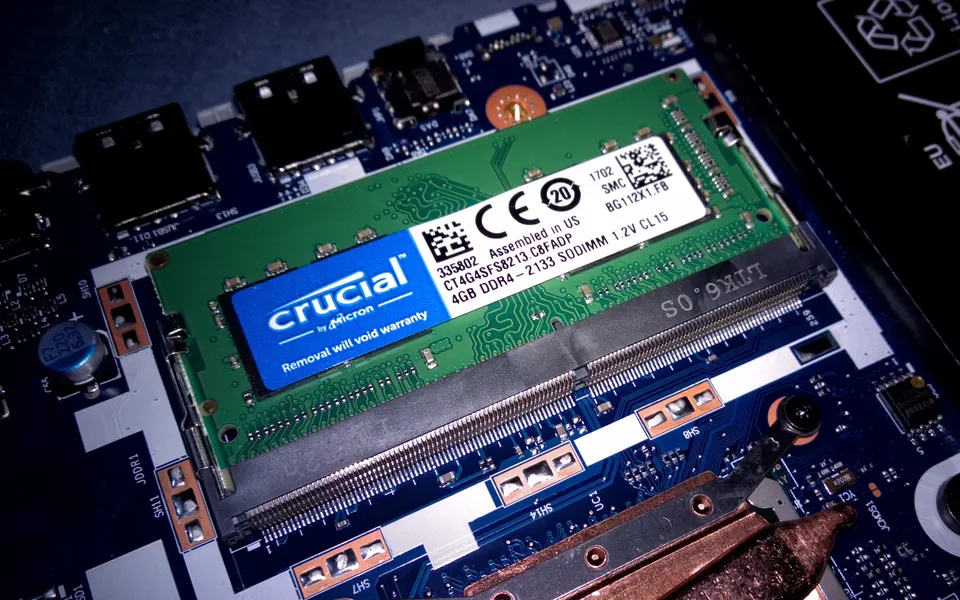
Before counting on a later memory or storage upgrade, find the service manual for the exact laptop model. Record whether memory is soldered, how many sockets exist, which are occupied, and the supported storage layout. A product family name is not enough to establish your configuration’s spare slots.
In many laptops, replacing the processor or graphics hardware is not a practical upgrade route. There are exceptions: Framework Laptop 16 is explicitly designed with an upgradeable Graphics Module. That exception is not a budget recommendation or a guarantee that a future module will be available at a price you want.
Our approach is to buy a configuration that meets your current workload and treat a documented upgrade route as a useful option, not an assumed rescue plan. Compare the full installed cost of the first upgrade with the cost of ordering sufficient capacity from the start.
Sources: Intel: gaming laptop and desktop form-factor differences · Dell: computer upgrade compatibility and limitations · Framework: Laptop 16 upgradeable Graphics Module
A desktop is more flexible—not automatically future-proof
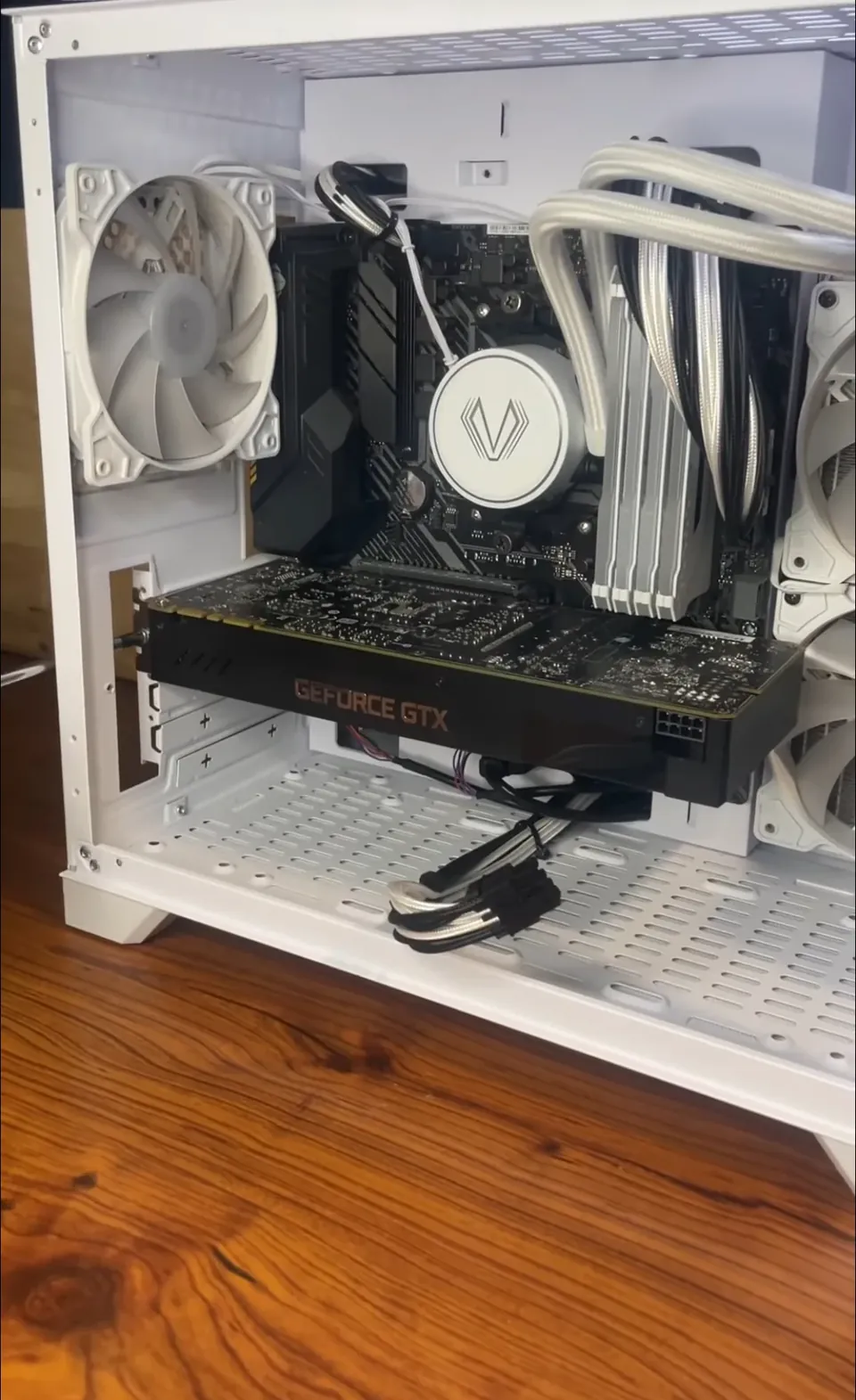
For a tower, check the case clearance, power supply, motherboard and supported expansion before treating a later graphics-card change as easy. Dell’s upgrade guidance makes these dependencies explicit. A small or proprietary prebuilt can impose limits that a generic “desktop” recommendation overlooks.
Ask the seller for the exact parts that control your intended upgrade, and keep the answer with the quote. If the power supply, connectors or space remain unknown, mark the upgrade route as unconfirmed. Do not subtract imaginary future savings from today’s price.
Also decide who will do the work and handle a fault. A replaceable component is not the same thing as included labor or a guaranteed repair turnaround. If this will be your only work and gaming computer, read the system’s service and return terms before choosing.
Sources: Dell: computer upgrade compatibility and limitations
Check a prebuilt desktop’s graphics-card upgrade limitsCompare DIY, builder and prebuilt ownership costs
Make the final decision with two exact quotes
Save one laptop quote and one complete desktop quote on the same day. Record the full model or SKU, seller, CPU, GPU, RAM configuration, SSD capacity, display, included accessories, current stock indication, delivery restrictions and final cost. A family specification page cannot fill every gap in a retailer listing.
Eliminate an option if it fails a real requirement: the machine cannot travel when needed, the full setup exceeds your budget, the display does not fit your workspace, or the upgrade plan depends on unknown parts. If neither qualifies, change the requirement or wait rather than calling either a bargain.
During the return window, check the delivered configuration, your own games, display, keyboard, ports and normal work routine. For a laptop, include carrying it with its charger and trying both the supported plugged-in mode and your everyday mobile workload. These are suggested checks for you, not tests we claim to have performed.
- Choose the laptop when carrying the same capable machine solves a recurring need and the complete setup fits.
- Choose the desktop when a fixed gaming location works for you and its exact complete quote is the better fit.
- Keep existing equipment when it still solves part of the job. No upgrade is required merely because another form factor exists.
Common buying questions
Is a gaming desktop always cheaper than a laptop?
No universal answer follows from the form factor. Compare complete, currently priced setups that meet the same needs, including the display and equipment you do not already own. A bare-tower price is not a complete alternative to a laptop.
Can a gaming laptop replace a desktop at home?
It may, if its performance, display connections and ports meet your needs. Include the required peripherals and any verified dock or adapters in the total. It is not automatically the best value if it never leaves the desk.
Should I buy a desktop and a cheap laptop instead?
First check whether you already own a laptop that handles mobile work. If you would need to buy both, price both complete setups and the software or accessories you require. Do not assume two purchases beat one without doing that comparison.
Are the photos examples of systems we tested?
No. They are licensed photographs of older laptop memory and desktop graphics hardware, used to explain upgrade checks. They are not current purchase recommendations, benchmark systems or proof of a particular laptop or desktop configuration.
Sources & how we reached our advice
Checked October 28, 2026. We used the primary documentation below for compatibility and specifications. Buying thresholds and decisions are our editorial judgment. This guide does not claim hands-on benchmarks, an exhaustive product ranking, or a test score.
- Intel: gaming laptop and desktop form-factor differences
- NVIDIA: exact GeForce RTX laptop GPU specifications
- NVIDIA: desktop GeForce RTX 5070 family specifications
- ASUS: Armoury Crate modes and adapter requirements
- Dell: computer upgrade compatibility and limitations
- Framework: Laptop 16 upgradeable Graphics Module
No affiliate links. Editorial standards · Send a correction